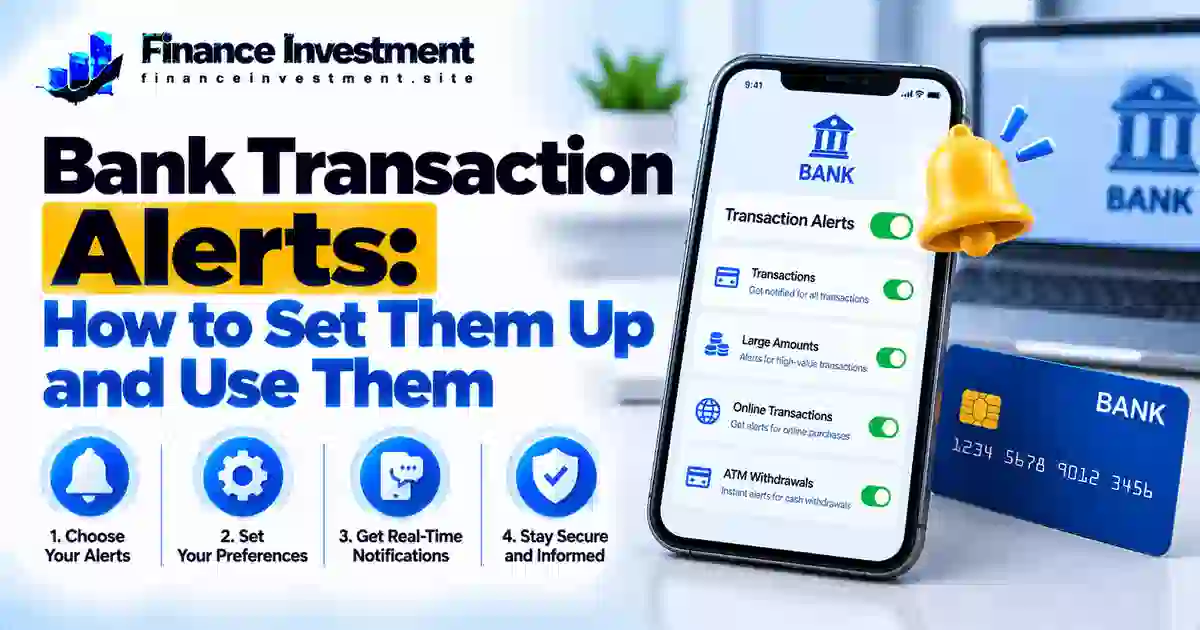
Bank transaction alerts help you keep track of your money without checking your account throughout the day. Depending on your bank, you can receive notifications when a purchase is made, a deposit arrives, your balance falls below a set amount, or a transaction exceeds your chosen limit.
These notifications can make everyday banking easier and help you notice unfamiliar activity sooner. However, enabling every available alert can create notification overload. The better approach is to choose alerts that match your spending habits, account balance, and security needs.
This guide explains how to find alert settings, choose useful thresholds, and respond safely when a transaction looks unfamiliar. For broader protection against account threats, read our bank security and fraud prevention guide.
What You’ll Learn
- Which transaction and balance alerts are most useful.
- How to find and enable alerts in your bank’s app or website.
- How to set practical transaction limits and balance thresholds.
- How to reduce unnecessary notifications and spot suspicious messages.
- What to do when an alert shows a transaction you don’t recognize.
Quick Answer: Which Bank Alerts Should You Turn On?
Start with alerts for account transactions, low balances, large purchases or withdrawals, and suspicious activity when available. Choose notification methods offered by your bank, such as its official mobile app, text messages, or email. Set transaction thresholds that fit your usual spending, and review your preferences periodically. Bank alerts can help you spot unexpected activity sooner, but they cannot guarantee that every fraudulent transaction will be detected or prevented.
Key Takeaways
- Start with essential alerts: Enable transaction notifications and low-balance warnings first.
- Choose practical thresholds: Set limits that help you notice unusual activity without creating unnecessary notifications.
- Keep your credentials private: Never share your password, PIN, or one-time passcode with someone who contacts you unexpectedly.
- Verify unfamiliar transactions safely: Open your bank’s official app or call the number printed on your bank card.
- Don’t rely on alerts alone: Notifications can be delayed or unavailable, so review your account activity regularly.
Bank Transaction Alerts at a Glance
Bank transaction alerts notify you about selected account activity through delivery methods your bank supports. These may include mobile app notifications, text messages, or email. Available alert types, setup steps, and fees can vary by bank and account.
| Quick Fact | What to Know |
|---|---|
| Common alert types | Transaction activity, low balances, large transactions, and security warnings |
| Where to set them up | Your bank’s official mobile app or online banking website |
| Delivery options | Push notifications, SMS, or email, depending on the bank |
| Possible costs | Alerts may be free, but mobile carrier messaging or data charges may apply |
| Important limitation | Notifications may be delayed or unavailable and do not guarantee fraud prevention |
Start with transaction and low-balance alerts. Add large-transaction or security alerts if your bank offers them, and adjust the settings to reduce unnecessary notifications. If an alert shows unfamiliar activity, check your account through the official banking app or call the number on your bank card.
How to Set Up Bank Transaction Alerts
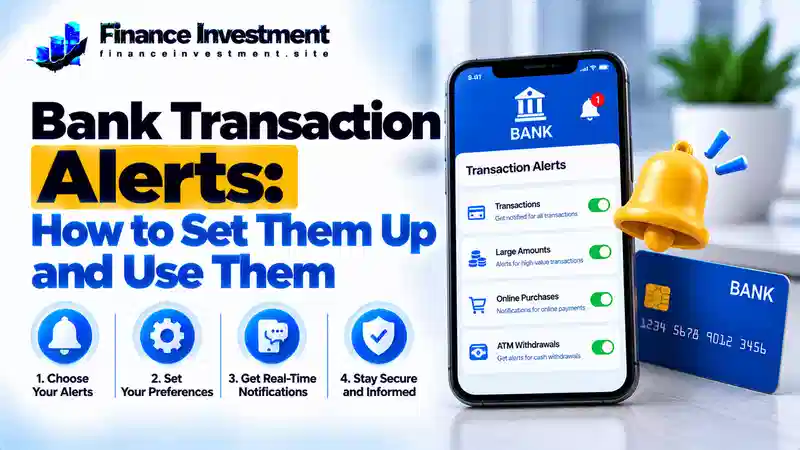
You can usually manage bank alerts through your bank’s official mobile app or online banking website. Menu names and available features vary, but these steps will help you get started.
1. Sign In Securely
Open your bank’s verified app or enter its website address yourself. Avoid unexpected links that ask you to sign in or change your alert settings.
2. Find Alert Settings
Look under Settings, Profile, Security, or Notifications. If the option is not obvious, search your bank’s official help center or contact customer support using a trusted number.
3. Select Accounts and Alert Types
Choose the checking or savings accounts you want to monitor. Start with transaction notifications, low-balance warnings, and large-transaction alerts where available.
4. Set Delivery and Thresholds
Choose from your bank’s supported options, such as app notifications, text messages, or email. Set sensible transaction or balance limits, confirm your contact details, and save your changes.
5. Confirm Your Settings
Look for an on-screen confirmation or test option if your bank provides one. Check that the correct accounts, alert types, and delivery methods are enabled. Review the settings periodically.
How Do Bank Transaction Alerts Work?
Bank transaction alerts notify you when account activity meets a condition set by your bank or selected in your alert settings. Depending on the available features, you may receive notifications for debit-card purchases, ATM withdrawals, deposits, transfers, or balance changes.
For example, if your bank supports large-transaction alerts and you set a threshold of $200, an eligible transaction above that amount may trigger a notification. The alert could arrive through the bank’s app, text message, or email. Delivery time depends on the bank’s processing systems and the notification method.
Pending vs. Posted Transactions
A card alert may reflect the initial authorization amount, while the final posted amount can differ. Some transactions trigger alerts at authorization; others may generate notifications after processing. Not every bank provides alerts for every transaction stage.
Benefits and Drawbacks of Bank Transaction Alerts
Bank transaction alerts help you stay informed about selected account activity. They can make everyday money management easier, but their value depends on choosing useful notifications and understanding what they cannot do.
Benefits
- Help you spot unfamiliar account activity and investigate it sooner.
- Make it easier to track deposits, withdrawals, and balance changes.
- Provide account updates without requiring you to open your banking app repeatedly.
Drawbacks
- Frequent notifications can become distracting and make important alerts easier to overlook.
- Alerts may be delayed, and some transaction types may not trigger notifications.
- Text-message or mobile-data charges may apply, depending on your bank and phone plan.
Types of Bank Transaction Alerts Compared
Different alerts help you track different parts of your finances. Choose the notifications that match your needs, and check which options your bank supports for each account.
| Alert Type | What It May Report | Best Use |
|---|---|---|
| Transaction alerts | Eligible card purchases, transfers, or withdrawals | Keeping track of account activity |
| Low-balance alerts | Your available or current balance falls below a set level, depending on the bank | Planning cash flow and avoiding a shortfall |
| Large-transaction alerts | Eligible transactions that exceed a supported threshold | Reviewing unusually large activity |
| Security alerts | Supported security events, such as certain sign-ins or profile changes | Checking unexpected account access or changes |
| Deposit alerts | A qualifying deposit is received or processed | Tracking paychecks and incoming funds |
Which Settings Should You Choose?
Start with transaction and low-balance alerts. Add large-transaction and security alerts if your bank offers them. Choose thresholds that fit your usual spending, and use a delivery method you check regularly.
Bank Alert Costs, Risks, and Practical Tips
Many banks offer basic account alerts at no additional charge, but availability and fees vary by institution and account. Your mobile carrier may charge for text messages or data under your plan. Check your bank’s fee schedule and carrier terms if you’re unsure.
Risks to Watch For
- Fake alert messages: Scammers may imitate bank notifications and direct you to fraudulent websites or fake support numbers.
- Delayed or missed alerts: Network issues or bank processing delays may affect when a notification arrives.
- Lock-screen privacy: Message previews may reveal financial information to people near your phone.
Practical Tips
- Verify unfamiliar transactions in your bank’s official app or by calling a trusted number, such as the one on your card.
- Turn off sensitive lock-screen previews and keep your phone protected with a secure screen lock.
- Keep your contact details updated and review your alert settings periodically.
Common Bank Alert Mistakes to Avoid
Bank alerts are most useful when your settings match your needs. Avoid these common mistakes:
- Enabling too many alerts: Frequent, low-priority notifications can make important warnings easier to miss.
- Choosing unsuitable thresholds: A high transaction limit may leave smaller purchases unnoticed, while a low limit may create too many notifications.
- Using outdated contact details: An old phone number or email address may prevent alerts from reaching you.
- Trusting messages automatically: Scammers can imitate bank alerts and use fake links or phone numbers.
Example: An Unexpected Purchase Alert
Imagine receiving a bank notification for a $175 card purchase you don’t recognize. Open your bank’s official app independently and check the transaction details. Don’t click links in an unexpected message.
If the purchase remains unfamiliar, contact your bank immediately using the number on your card or another trusted channel. Ask whether the card should be locked or replaced, and report the transaction as unauthorized if appropriate. Follow the bank’s instructions to protect your account.
The key lesson: choose practical alert settings, keep your contact information current, and investigate unfamiliar transactions promptly through trusted channels.
Who Should Use Which Bank Alerts?
The right bank alerts depend on your spending habits, account balance, and financial responsibilities. Start with notifications that solve a real need, then add others if your bank offers them.
- Students and beginners: Use transaction and low-balance alerts to track spending and notice when funds are running low.
- Families: Consider deposit, balance, and large-transaction alerts to help monitor household cash flow and major expenses.
- Retirees: Transaction and available security alerts can make it easier to review account activity and investigate unfamiliar changes.
- Frequent online shoppers: Enable eligible card-transaction alerts so you can review purchases you don’t recognize.
- People managing tight budgets: Set a low-balance threshold that gives you time to adjust spending or transfer funds when appropriate.
Frequently Asked Questions About Bank Transaction Alerts
1. Are bank transaction alerts free?
Many banks offer basic alerts without a separate fee, but charges depend on the bank and account. Your mobile carrier may charge for texts or data. Check the applicable terms before choosing a delivery method.
2. Which bank alerts should I enable first?
Start with transaction notifications and low-balance warnings. Add large-transaction or security alerts if your bank offers them and they suit your needs.
3. Can bank alerts help detect fraud?
Yes. Alerts may help you notice unfamiliar activity sooner, but they can be delayed or unavailable for some transactions. Contact your bank promptly if you suspect fraud.
4. Why am I not receiving bank alerts?
Confirm that the correct alerts are enabled and your contact details are current. Check your phone’s notification permissions, message filters, and the alert settings in your bank’s app or website.
5. Can I set a minimum balance alert?
Many banks offer low-balance alerts, and some let you choose the threshold. Check your bank’s settings to see whether this feature is available for your account.
6. Are text-message bank alerts safe?
They can be useful, but scammers may imitate genuine bank messages. Don’t trust a message just because it looks official. Verify account activity through your bank’s official app or a trusted phone number.
7. What should I do if an alert shows an unfamiliar transaction?
Open your bank’s official app and review the transaction. If you still don’t recognize it, contact your bank immediately through a trusted channel and ask how to secure your account or card.
8. Do bank alerts stop unauthorized transactions?
No. Alerts report selected activity but do not automatically block payments or guarantee fraud prevention. Use them alongside strong account security and regular account reviews.
Final Verdict: Make Bank Alerts Work for You
Bank transaction alerts make it easier to track selected purchases, deposits, and balance changes without constantly checking your account. Start with transaction and low-balance notifications, then add large-transaction or security alerts that your bank offers. Set practical thresholds, keep your contact details current, and adjust your settings if notifications become overwhelming.
Most importantly, treat alerts as an early-warning tool—not a guarantee against fraud. Check unfamiliar activity promptly and contact your bank through a trusted channel if something looks wrong.
Have a Money Question? Keep Exploring.
Building safer banking habits starts with practical steps. Keep learning about account security, fraud prevention, and ways to protect your money.
Have a question or suggestion?
Send FinanceInvestment your feedback or a question about our educational content.
Continue Your Research
FinanceInvestment shares educational information, not personalized financial or legal advice. For account-specific concerns, contact your bank directly.
Leave a Reply