Fake Bank Text Message Scams: Warning Signs and Prevention
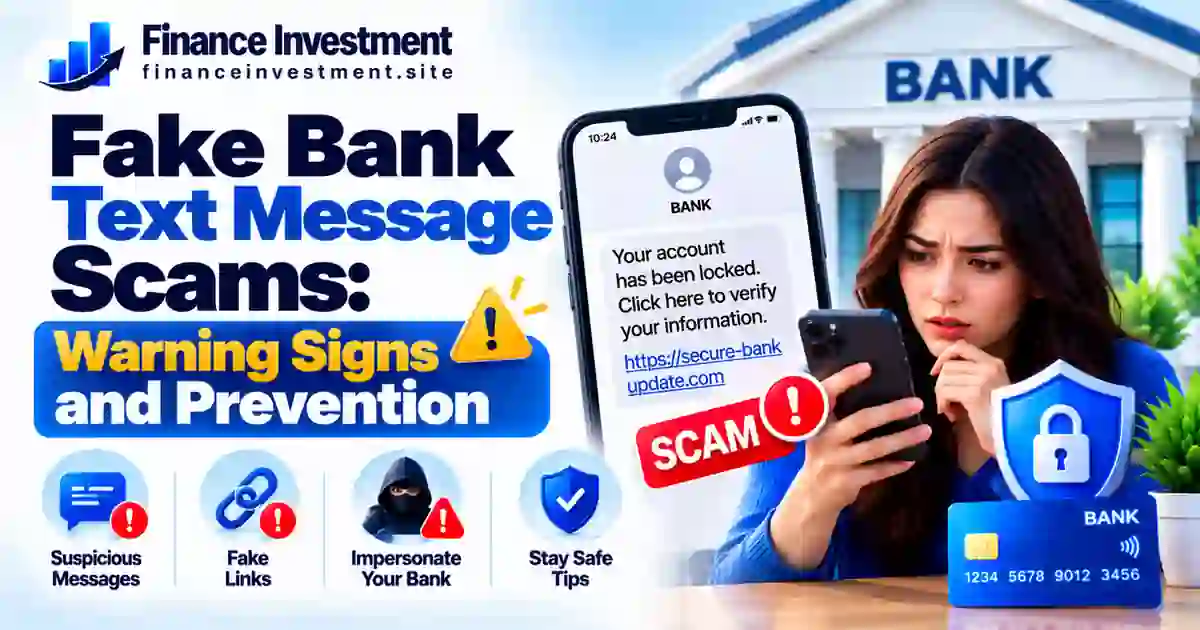 A text from your bank saying your account is locked or a suspicious payment needs attention can make anyone nervous. But before you react, pause and check. Fake bank text message scams use urgent warnings, convincing bank names, and misleading links to trick people into revealing personal information or giving criminals access to their accounts.
Some messages contain spelling mistakes or unfamiliar links. Others look professional and may even appear in the same conversation thread as genuine bank alerts. A familiar sender name or an official-looking message does not guarantee that it came from your bank.
The safest approach is to avoid clicking links, replying, or calling numbers included in unexpected messages. Instead, open your bank’s official app or call the number printed on your debit card. If you suspect a scam, our bank security and fraud prevention guide offers additional ways to protect your finances.
What You’ll Learn
- The warning signs of a fake bank text message.
- How to verify suspicious alerts without using the message’s contact details.
- Ways to protect your passwords, verification codes, and bank account.
- What to do if you click a suspicious link or share sensitive information.
- How to report a scam and reduce the risk of another attempt.
Fake Bank Text Message Scams: Quick Answer
A fake bank text message is a fraudulent SMS that pretends to come from your bank. Its goal may be to trick you into clicking a malicious link, revealing account details, sharing a one-time verification code, or sending money. If you receive an unexpected banking alert, do not click its links, reply, or call the number provided in the message. Instead, open your bank’s official app or call the trusted number printed on your debit card to check whether the alert is genuine.
Key Takeaways
- Unexpected warnings about locked accounts or suspicious charges can be designed to create panic.
- Never disclose your password, PIN, or one-time verification code in response to an unsolicited text.
- A familiar sender name or existing message thread does not guarantee that a text is genuine.
- Verify alerts through your bank’s official app, a website you type yourself, or a trusted phone number.
- If you clicked a suspicious link or shared sensitive information, contact your bank promptly, secure your account, and report any unauthorized transactions.
Remember: You do not have to act on an unexpected text immediately. Verify the claim independently before taking action. A short pause can help protect your money and personal information.
Table of Contents
Fake Bank Text Scams at a Glance
Fake bank texts often imitate fraud alerts, account warnings, and payment notifications. The message may look convincing, so focus on what it asks you to do rather than how official it appears.
| Example Message | Possible Red Flag | What to Do |
|---|---|---|
| “Your account is locked.” | Urgent pressure to act | Open your bank’s official app to check. |
| “Confirm your password here.” | A link asking for login details | Do not use the link or enter your password. |
| “Click to cancel this payment.” | An unexpected link or payment alert | Check transactions through a trusted bank channel. |
| “Read us the code we sent.” | An unexpected request for a verification code | Never disclose a one-time code to an unexpected caller or texter. |
QUICK TAKE
A bank’s name, sender ID, or familiar message thread does not prove that a text is genuine. Never rely on the message’s link or phone number to verify an unexpected alert. Open your bank’s official app or call the trusted number on your debit card. If you have already shared sensitive information, contact your bank immediately and follow its instructions to secure your account.
Fake Bank Text Message Scams: A Complete Beginner’s Guide
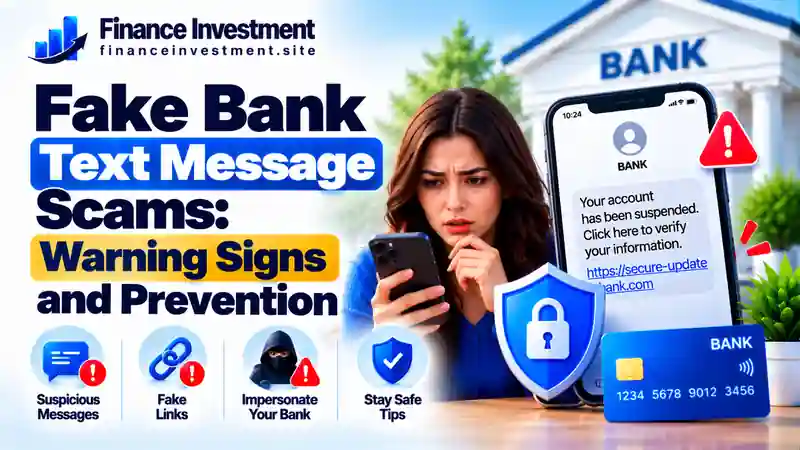
A fake bank text message pretends to come from a financial institution to steal personal information, gain access to an account, or persuade someone to send money. It may look like an ordinary banking alert about a suspicious purchase, a locked account, a declined payment, or an urgent security issue.
Why Scammers Send Fake Banking Texts
Scammers want you to act before you have time to verify the message. For example, a text might claim that an unfamiliar purchase was made and provide a link to cancel it. That link could lead to a fake login page designed to collect your username, password, card details, or one-time verification code.
The stolen information may then be used to access an account or support a follow-up phone scam. Someone posing as a bank employee might claim your money is at risk and pressure you to transfer it to a supposedly safe account. Treat such requests as a serious warning sign. Hang up and contact your bank using a trusted number you obtain independently.
How to Recognize a Suspicious Message
Be cautious if a text:
- Pressures you to act immediately to avoid account closure or a financial loss.
- Includes an unexpected link to sign in or update personal details.
- Asks you to disclose your password, PIN, or one-time verification code.
- Tells you to call an unfamiliar number or install an unexpected app.
- Instructs you to keep the situation secret or move money to another account.
These signs can help you spot a scam, but no single detail proves that a message is genuine or fraudulent. Scammers can copy bank branding and use professional language. Verify the claim through a separate, trusted channel instead.
What Beginners Should Do First
Do not click the link, reply, or use the phone number in an unexpected text. Open your bank’s official app or call the number printed on your debit card. Check recent transactions and ask the bank to investigate anything unfamiliar. If you entered your login details or shared a verification code, tell the bank immediately and follow its instructions to secure your account. You can also read our guide to protecting your bank account for additional safety steps.
Beginner tip: Keep your bank’s official contact number somewhere safe. When an unexpected message arrives, verify it independently instead of trusting the sender’s contact details.
How Fake Bank Text Message Scams Work
Fake bank text scams often follow a predictable pattern: the message creates fear, pushes you to act quickly, and directs you toward a step that could expose your information or money. Here is how the process commonly unfolds.
- A banking alert appears. You receive an unexpected text about a suspicious purchase, a locked account, or a payment problem.
- Urgency takes over. The message warns that you must act immediately to prevent a loss or restore access.
- The sender requests action. You may be asked to click a link, call an unfamiliar number, reply, or provide a verification code.
- Information or money is targeted. A fake website can capture login details, while a follow-up caller may impersonate bank staff and pressure you to transfer funds.
- Further fraud may follow. Stolen information can be used to attempt unauthorized transactions or impersonate you in later scams.
Remember: A familiar sender name, bank logo, or existing message thread does not prove that a text is genuine. Scammers can imitate these details.
If the alert mentions a transaction you do not recognize, check it independently. Open your bank’s official app or call the trusted number printed on your debit card. Do not use the link or phone number supplied in the unexpected message.
Benefits and Drawbacks of Bank Text Alerts
Genuine bank text alerts can help you monitor account activity, but they should not be your only way to check for fraud. Knowing their strengths and limitations helps you use these notifications more safely.
Benefits
- Transaction alerts can help you spot unfamiliar activity sooner.
- Payment and balance notifications can make everyday account monitoring easier.
- Promptly reporting suspicious activity gives your bank an opportunity to investigate and advise you.
Drawbacks
- Scammers can imitate bank names, alerts, and message wording.
- Urgent messages can pressure you into clicking links before verifying them.
- Texts can be delayed, filtered, or overlooked, so they cannot replace regular account checks.
Safety tip: Keep useful bank alerts enabled if they suit your needs, but never treat an unexpected text as proof that your account has a problem. Verify it independently before acting.
If a message asks for your password, PIN, verification code, or a money transfer, stop and check with your bank through its official app or a trusted phone number. Do not use contact details supplied in the suspicious text.
Real Bank Alert vs. Fake Text Message
A genuine bank alert and a fraudulent text can look almost identical. Use the comparison below to recognize possible warning signs, but remember that appearance alone cannot confirm whether a message is authentic.
| What to Check | Possible Legitimate Alert | Potential Scam Warning |
|---|---|---|
| Message content | A notification about account activity or a transaction | Threats, panic, or pressure to act immediately |
| Links and contact details | May vary depending on the bank and alert type | Unexpected links or unfamiliar numbers urging immediate action |
| Information requested | Instructions vary; verify unusual requests independently | Requests for passwords, PINs, one-time codes, or money transfers |
| Verification method | Check through your bank’s official app or a trusted contact number | Avoid relying on links or phone numbers supplied in the text |
Important: This comparison is a guide, not a foolproof test. Scammers can imitate bank branding, sender names, and message threads. A professional-looking text is not proof that it is genuine.
If an alert mentions a transaction you do not recognize, open your bank’s official app or call the trusted number printed on your debit card. Do not click the message link or use its phone number to investigate. Verify first, then follow your bank’s instructions.
How to Prevent Fake Bank Text Message Scams
You cannot prevent every scam text from reaching your phone, but a few consistent habits can reduce the risk of losing money or exposing sensitive information. When an unexpected banking message arrives, pause and verify it before taking action.
Practical Security Steps
- Verify the alert independently. Open your bank’s official app or call the trusted number printed on your debit card. Avoid links and phone numbers included in an unexpected text.
- Keep sensitive details private. Never disclose your password, PIN, or one-time verification code to an unexpected texter or caller.
- Strengthen account security. Use unique passwords for financial accounts and enable multifactor authentication when available. A reputable password manager can help you manage them securely.
- Monitor account activity. Enable useful transaction alerts and review your account regularly. Verify suspicious activity in the official app rather than trusting a text alone.
- Update your devices. Install operating system and banking-app updates, and avoid downloading apps through links in unexpected messages.
- Report suspicious texts. Use your phone’s spam-reporting feature or forward the message to 7726 (SPAM) where supported. You can also report suspected fraud to the Federal Trade Commission.
If you already shared information: Contact your bank immediately using a trusted number. Tell the bank what you shared, change compromised passwords through the official service, and ask whether your account or card needs to be secured. If you notice unauthorized transactions, report them promptly.
For more practical account-safety advice, read our guide to protecting your bank account.
Common Mistakes and a Real-Life Example
A convincing bank text can catch anyone off guard. The danger often begins when a person follows the message’s instructions before checking whether the alert is genuine.
Common Mistakes to Avoid
- Trusting a bank name, logo, or familiar message thread without independent verification.
- Clicking an unexpected link or calling a number supplied in a suspicious text.
- Sharing passwords, PINs, or one-time verification codes with an unexpected caller or texter.
- Installing an app or allowing device access because a message claims your account is at risk.
- Delaying contact with the bank after sharing sensitive information or noticing an unauthorized transaction.
An Illustrative Real-Life Scenario
Imagine Alex receives a text claiming that an unfamiliar purchase has been charged to a debit card. The message includes a link to cancel the transaction. Worried about losing money, Alex opens the link and enters banking credentials on a convincing fake website.
The safer response would have been to open the bank’s official app or call the trusted number on the debit card. Because Alex entered the credentials, the next step is to contact the bank immediately, explain what happened, change the compromised password through the official service, and follow the bank’s instructions to secure the account. Alex should also report any unauthorized transactions promptly.
This is an illustrative scenario, not a verified report about a specific person. The takeaway is straightforward: verify the alert independently before acting. If you have already responded to a suspicious text, act quickly rather than feeling embarrassed or waiting to see what happens.
Who Should Be Extra Careful With Fake Bank Texts?
Anyone can be targeted by a fake bank text, regardless of age, income, or technical experience. The risk can increase when a message arrives during a stressful moment or when someone is unfamiliar with the banking service mentioned.
- People new to digital banking: An unfamiliar security alert may be difficult to distinguish from a fraudulent message.
- Busy families and professionals: A convincing warning about an unusual charge can prompt a rushed response.
- People who recently opened an account or replaced a card: They may reasonably expect bank notifications, which scammers can try to imitate.
- People under financial pressure: Threats involving frozen accounts, missed payments, or lost money can create anxiety and urgency.
- People who have already responded to a suspicious message: Scammers may use shared information to make follow-up calls or texts sound more convincing.
Remember: Receiving a scam message is not a sign of carelessness. Scammers deliberately imitate trusted organizations and exploit urgent situations. Pause, verify the claim through your bank’s official app or trusted phone number, and ask your bank for help if anything seems suspicious.
Frequently Asked Questions About Fake Bank Text Message Scams
1. How can I tell if a bank text message is fake?
Urgent threats, unexpected links, and requests for passwords or verification codes are warning signs. However, appearance alone cannot confirm whether a text is genuine. Verify the alert through your bank’s official app or a trusted phone number.
2. Will my bank text me about suspicious transactions?
Many banks offer transaction and fraud alerts, depending on their services and your notification settings. Scammers can imitate these messages, so verify unexpected alerts independently.
3. Should I click a link in a bank text?
Avoid clicking links in unexpected banking messages. Open your bank’s official app or type its known website address yourself to check the alert safely.
4. What if I accidentally clicked a suspicious link?
Close the page and do not enter information or download anything. If you entered credentials, contact your bank, change the compromised password through the official service, and follow the bank’s security instructions. If you downloaded a file or app, remove it if safe to do so and scan your device with trusted security software.
5. Can scammers spoof a bank’s sender name?
Yes. Sender information can be manipulated, and fraudulent texts may appear in an existing message thread. A familiar sender name is not proof that a message is genuine.
6. How do I report a fake bank text in the United States?
Use your phone’s spam-reporting feature or forward the message to 7726 (SPAM), where supported. You can also report suspected fraud through the Federal Trade Commission’s official website.
7. What should I do if I shared my bank password or verification code?
Contact your bank immediately using a trusted number and explain what happened. Change compromised credentials through the official service, ask the bank how to secure your account, and report unauthorized transactions promptly.
8. Can I block fake bank text messages completely?
No filter can guarantee that every scam text will be blocked. Use your phone’s spam filters, report suspicious messages, monitor your account, and verify unexpected banking alerts independently.
Final Verdict: Stay Alert Before Trusting a Bank Text
A convincing bank text can create panic, but you do not have to respond immediately. Scammers may imitate a bank’s name, branding, and message thread to make a fraudulent alert look genuine. That is why appearance alone should never determine whether you trust a message.
When an unexpected alert arrives, avoid its links and contact details. Check your account through your bank’s official app or call the trusted number printed on your debit card. Never disclose passwords, PINs, or one-time verification codes to an unexpected texter or caller. If you have already shared sensitive information, contact your bank promptly and follow its instructions to protect your account.
Want to strengthen your overall banking safety? Explore our complete bank security and fraud prevention guide for more ways to recognize threats and protect your finances.
The key lesson: Verify unexpected banking messages independently before taking action. A brief pause can help prevent a costly mistake.
Have a Money Question? Keep Exploring.
An unexpected bank text deserves a careful response, not a rushed decision. Verify suspicious alerts through your bank’s official app or a trusted phone number. If you have shared sensitive information, contact your bank promptly and follow its instructions to secure your account.
Have a question or suggestion about banking safety and personal finance? Email FinanceInvestment with your topic or feedback.
FinanceInvestment provides educational information and does not replace individualized financial, legal, or cybersecurity advice.