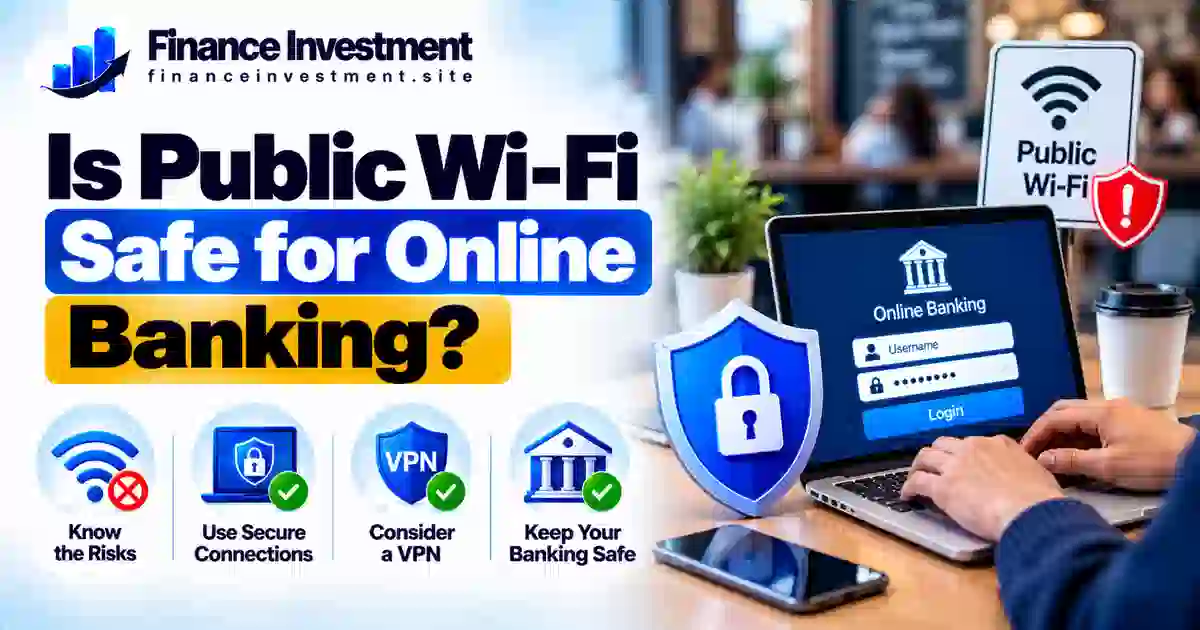
Is Public Wi-Fi Safe for Online Banking? A Security Guide
Is Public Wi-Fi Safe for Online Banking?
Is public Wi-Fi safe for online banking? It can be, but the answer depends on how you connect and the precautions you take. Most legitimate banking websites and apps use encryption to protect information sent between your device and the bank. Still, public networks can expose you to risks such as fake Wi-Fi hotspots, fraudulent login pages and phishing attacks.
You do not necessarily have to avoid online banking every time you visit a coffee shop, airport or hotel. However, using your phone’s mobile data is often the simpler choice when you need to access your bank account away from home. If public Wi-Fi is your only option, a few sensible security steps can reduce your risk.
For a broader look at protecting your accounts, read our bank security and fraud prevention guide.
What You’ll Learn
- The main security risks of using public Wi-Fi for banking.
- How HTTPS encryption and VPNs help protect your connection.
- When mobile data is the better option.
- What to do if you enter banking details on a suspicious website.
Quick Answer: Is Public Wi-Fi Safe for Online Banking?
Public Wi-Fi is not automatically unsafe, but mobile data is generally the simpler choice for online banking when available. Banking apps and legitimate banking websites typically encrypt data sent over the internet. However, encryption does not protect you from every threat, such as fake Wi-Fi hotspots, phishing websites or scams designed to steal your login details.
Key Takeaways
- Prefer mobile data. Use your phone’s cellular connection for banking when practical.
- Use the official banking channel. Open your bank’s official app or enter its verified website address yourself.
- Avoid suspicious networks and links. Confirm the hotspot name with the venue and never enter details on a page that looks unusual.
- Strengthen account security. Use a unique password, enable multifactor authentication and keep your device updated.
- Respond quickly to possible exposure. Contact your bank through its official phone number or app if you suspect your credentials were stolen.
Public Wi-Fi Banking Safety at a Glance
Not every public Wi-Fi connection carries the same level of risk. Use this table to compare common options and choose a safer way to access your bank account when you are away from home.
| Connection or Practice | Risk Guidance | What to Do |
|---|---|---|
| Phone mobile data | Generally preferred | Use your cellular connection for banking when practical. |
| Public Wi-Fi at a known venue | Use with caution | Confirm the network name and use your bank’s official app or website. |
| Unknown or suspicious hotspot | Avoid | Disconnect and switch to mobile data if available. |
| Reputable VPN | Additional protection | Use it as an extra layer, not a substitute for safe browsing. |
| Multifactor authentication | Important safeguard | Enable it to make stolen passwords harder to use. |
QUICK TAKE: Mobile data is generally the simpler choice for online banking away from home. If public Wi-Fi is unavoidable, verify the network, use your bank’s genuine app or website, and enable multifactor authentication. A VPN can add protection to your connection, but it cannot stop every phishing scam or fraudulent login page.
Complete Beginner’s Guide to Public Wi-Fi Banking Safety
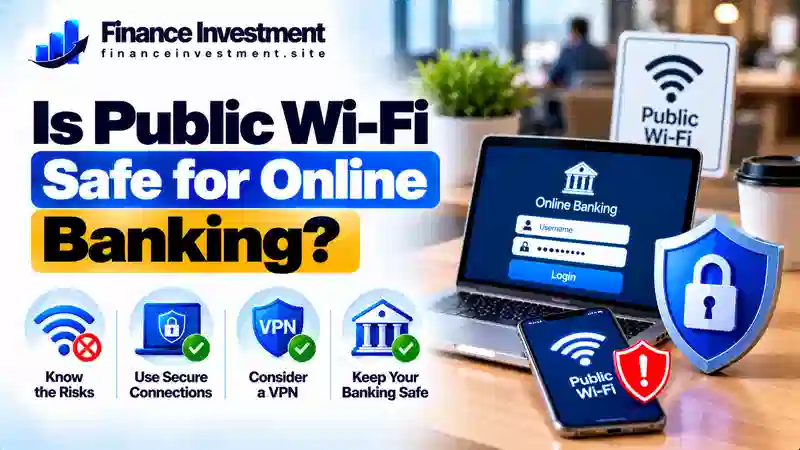
Public Wi-Fi makes it easy to access the internet at airports, hotels, libraries and coffee shops. However, you may not know who manages the network or whether a hotspot is genuine. Before checking your balance or transferring money, follow a few basic precautions to reduce avoidable risks.
1. Understand What Encryption Protects
Legitimate banking apps and websites generally encrypt data sent between your device and the bank. This helps protect information while it travels across the network. However, encryption cannot guarantee that a website is genuine, prevent every scam or protect you if you willingly share your password with a fraudster.
2. Verify the Wi-Fi Network
Fraudsters may create hotspots with names that resemble those of nearby businesses. Ask an employee for the correct network name instead of guessing. Avoid suspicious connection pages, unexpected requests for banking details and networks that trigger security warnings.
3. Access Your Bank Through an Official Channel
Open your bank’s official app or enter its verified website address yourself. Check the domain carefully, and do not sign in through unexpected email or text links. HTTPS helps protect a connection, but the padlock icon alone does not prove that a website belongs to your bank.
4. Strengthen Your Account Protection
Use a unique, strong password and enable multifactor authentication. Keep your phone, browser and banking app updated, disable automatic connections to unfamiliar Wi-Fi networks, and disconnect when finished. You can find more practical steps in our guide to securing your bank account.
Remember: Mobile data is often the simpler choice for sensitive banking activity away from home. If a network, website or login request seems suspicious, disconnect and use a verified connection instead.
How Public Wi-Fi Security Works
When you access your bank over public Wi-Fi, your device sends data through the hotspot and the internet to your bank’s online service. Security depends partly on how that connection is protected and whether you are communicating with the genuine banking website or app.
How the connection works
Your phone or laptop → Wi-Fi hotspot → Internet → Bank’s website or app
Where Can Security Problems Occur?
- Data interception: HTTPS and properly secured banking apps help encrypt data in transit, making it harder for others on the network to read it.
- Fake hotspots: Fraudsters may create networks that imitate those offered by genuine cafés, airports or hotels.
- Phishing pages: A fraudulent sign-in page may use HTTPS too, so encryption alone does not prove that the website belongs to your bank.
- VPN limitations: A reputable VPN encrypts traffic between your device and the VPN server, but it cannot guarantee that a hotspot is trustworthy or stop you from entering details on a fake banking page.
The key point: Encryption helps protect data while it travels, but it does not eliminate every online threat. Use your bank’s genuine app or verified website, avoid suspicious login links and choose mobile data for sensitive banking when practical.
Benefits and Drawbacks of Public Wi-Fi for Banking
Public Wi-Fi can help you access your bank account while traveling or away from home. However, convenience alone does not make a connection suitable for sensitive financial activity.
Benefits
- Provides internet access when your mobile data connection is unavailable or unreliable.
- Lets you review account balances, check transactions or access banking services while away from home.
- Can reduce mobile data usage if your cellular plan has a limited allowance.
Drawbacks
- A fake or compromised hotspot may expose you to security threats.
- Phishing websites can imitate your bank and trick you into revealing login details, even when the page uses HTTPS.
- You may have limited control over how an unfamiliar network is managed or secured.
QUICK TAKE: Public Wi-Fi is convenient, but you do not need it for most routine banking tasks if mobile data is available. If you must use a public network, access your bank through its official app or verified website, avoid suspicious login pages and never ignore security warnings.
Mobile Data vs. Public Wi-Fi for Online Banking
Both mobile data and public Wi-Fi can connect you to your bank. However, mobile data avoids the need to join an unfamiliar local hotspot, making it a practical choice for sensitive transactions when cellular service is available.
| Factor | Mobile Data | Public Wi-Fi |
|---|---|---|
| Connection | Uses your cellular provider | Uses a local wireless hotspot |
| Main concerns | Phishing, malware and account theft | Fake hotspots, phishing and network-related risks |
| Data allowance | Uses your cellular plan | Usually does not use cellular data |
| Security practice | Keep your device updated and use strong account protection | Verify the hotspot and use your bank’s genuine app or website |
QUICK TAKE: Mobile data is generally the simpler choice for sensitive banking because it avoids unfamiliar public hotspots. However, it cannot prevent every scam or device-related threat. Whichever connection you use, access your bank through its official app or verified website, enable multifactor authentication and never share one-time passcodes with callers or messages claiming to be from your bank.
Public Wi-Fi Banking Risks, Costs and Safety Tips
Using public Wi-Fi for banking can expose you to more than a connection problem. Fake hotspots and fraudulent login pages may help scammers steal credentials, while mobile data may use part of your cellular allowance. Understanding these risks helps you make a practical choice.
Key Risks and Possible Costs
- Unauthorized account access: If criminals obtain your login details, they may attempt to access your account or initiate transactions.
- Time and financial disruption: Suspected fraud may require you to contact your bank, secure your account and dispute transactions. Any reimbursement depends on the facts and applicable protections.
- Mobile data charges: Using cellular data may count toward your plan limit or result in extra charges, depending on your provider and plan.
Practical Safety Tips
- Prefer mobile data for sensitive banking when practical.
- Turn off automatic connections to unfamiliar Wi-Fi networks.
- Never share one-time passcodes or approve unexpected multifactor authentication requests.
- Keep your device and banking app updated, and disable file sharing on public networks.
If you suspect fraud: Contact your bank immediately using its official app or verified phone number. Ask it to secure your account, change compromised credentials from a trusted device, and review recent transactions. Report any unauthorized activity promptly.
Common Public Wi-Fi Banking Mistakes
Using public Wi-Fi does not automatically put your bank account at risk. However, a few careless actions can make it easier for scammers to steal your information.
- Joining a hotspot without verifying its name with the venue.
- Signing in through unexpected links in emails or text messages.
- Assuming HTTPS or a padlock icon proves that a website belongs to your bank.
- Approving unexpected multifactor authentication requests or sharing one-time passcodes.
- Leaving a banking session open on a shared or public computer.
A Realistic Example
Imagine Alex is waiting at an airport and joins a hotspot that resembles the airport’s official Wi-Fi. Alex then taps a banking link in an unexpected text message and enters login details on a fake sign-in page.
The key mistake is trusting the message and fraudulent website, not simply connecting to public Wi-Fi. If Alex realizes what happened, Alex should contact the bank immediately using its official app or verified phone number, ask for help securing the account, change compromised credentials from a trusted device and check recent transactions for unauthorized activity.
Lesson: Do not sign in through unexpected banking links. Open your bank’s official app or enter its verified website address yourself, even when you are using a familiar public network.
Who Should Use Public Wi-Fi for Banking?
Public Wi-Fi may be an option when you need to access your bank away from home and mobile data is unavailable. However, the right choice depends on the network, your device security and the type of transaction you need to complete.
- Travelers: Consider a verified hotspot only when a more suitable connection is unavailable.
- People checking account information: Use your bank’s official app or verified website and avoid unexpected login links.
- People making sensitive transactions: Prefer mobile data or wait for a trusted connection when practical, especially if anything about the hotspot seems suspicious.
Practical advice: No one should use a suspicious network just because mobile data is unavailable. If you cannot verify the connection or encounter a security warning, postpone banking until you can use a more trustworthy connection.
Frequently Asked Questions About Public Wi-Fi and Online Banking
1. Is public Wi-Fi safe for online banking?
It can be, but risks remain. Use your bank’s official app or verified website, avoid suspicious hotspots and prefer mobile data for sensitive transactions when practical.
2. Is mobile data safer than public Wi-Fi for banking?
Mobile data avoids connecting through an unfamiliar local hotspot, making it a practical choice. However, it does not eliminate phishing, malware or account-security risks.
3. Can someone steal my banking password through public Wi-Fi?
Yes, particularly if you connect to a fraudulent hotspot or enter your password on a fake login page. HTTPS helps encrypt data in transit, but it does not prove that a website belongs to your bank.
4. Should I use a VPN for online banking?
A reputable VPN can encrypt traffic between your device and the VPN server. However, it cannot make a fake banking website genuine or prevent every scam.
5. Is banking through a mobile app safer on public Wi-Fi?
A genuine, updated banking app offers security protections, but the network and your device still matter. Avoid suspicious hotspots and keep your device updated.
6. Is hotel or airport Wi-Fi safe for banking?
Not automatically. Confirm the network name with staff and avoid suspicious login pages or unexpected security warnings. Use mobile data if you cannot verify the connection.
7. What should I do if I entered my banking details on a suspicious website?
Contact your bank immediately through its official app or verified phone number. Change compromised credentials from a trusted device and review recent transactions for unauthorized activity.
8. Should I avoid online banking completely on public Wi-Fi?
Not necessarily. If you must use public Wi-Fi, verify the network, access your bank through its genuine app or website and enable multifactor authentication. Postpone the transaction if the connection seems suspicious.
Final Verdict: Is Public Wi-Fi Safe for Online Banking?
So, is public Wi-Fi safe for online banking? It can be, but no public network should be treated as automatically trustworthy. Legitimate banking apps and websites generally encrypt data in transit, yet phishing pages, fake hotspots and compromised devices can still put your account at risk.
When possible, use mobile data for sensitive transactions. If public Wi-Fi is your only option, verify the network, access your bank through its official app or verified website, and enable multifactor authentication. If something looks suspicious, stop and reconnect through a more trustworthy connection.
For broader account protection, explore our bank security and fraud prevention guide for additional ways to help protect your finances.
Bottom line: Public Wi-Fi can be usable with precautions, but mobile data is generally the simpler option for sensitive banking. Protect your login details, verify the banking website and never ignore a security warning.
Related Resources and Trusted Sources
Public Wi-Fi safety is one part of protecting your finances online. Use these related guides to strengthen account security and learn how to recognize common scams.
Related FinanceInvestment Guides
- Bank Security and Fraud Prevention Guide — explore ways to reduce common online banking risks.
- How to Secure Your Bank Account — review practical steps for protecting account access.
- Two-Factor Authentication for Bank Accounts — learn how an additional verification step can help protect logins.
- Bank Email Phishing Scams — recognize warning signs in suspicious messages.
Trusted External Sources
- Federal Trade Commission (FTC) — consumer information about scams, fraud and protecting personal information.
- Cybersecurity and Infrastructure Security Agency (CISA) — cybersecurity guidance, including safer online habits and account protection.
- FDIC Consumer Resource Center — consumer education about banking and deposit-related topics.
Helpful reminder: For account-specific concerns, contact your bank through its official app, verified website or the phone number printed on your card.
Have a Money Question? Keep Exploring.
Protecting your money online starts with good security habits. Keep learning how to recognize scams, secure your banking credentials and make informed decisions when accessing your accounts.
Have a question or suggestion?
Send your message to the FinanceInvestment team.
Continue Your Research
- Bank Security and Fraud Prevention Guide — learn about common banking risks and ways to reduce them.
- How to Secure Your Bank Account — review practical steps to strengthen account protection.
FinanceInvestment provides educational information to help readers make informed decisions about financial security.