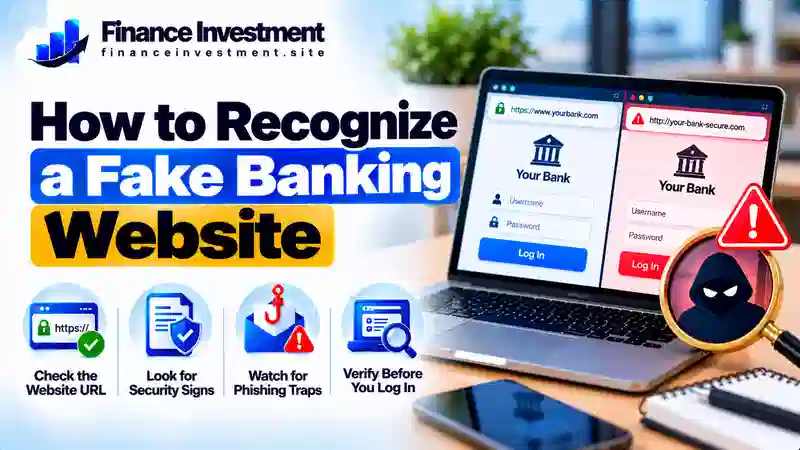
How to Recognize a Fake Banking Website
How to Recognize a Fake Banking Website Before You Sign In 
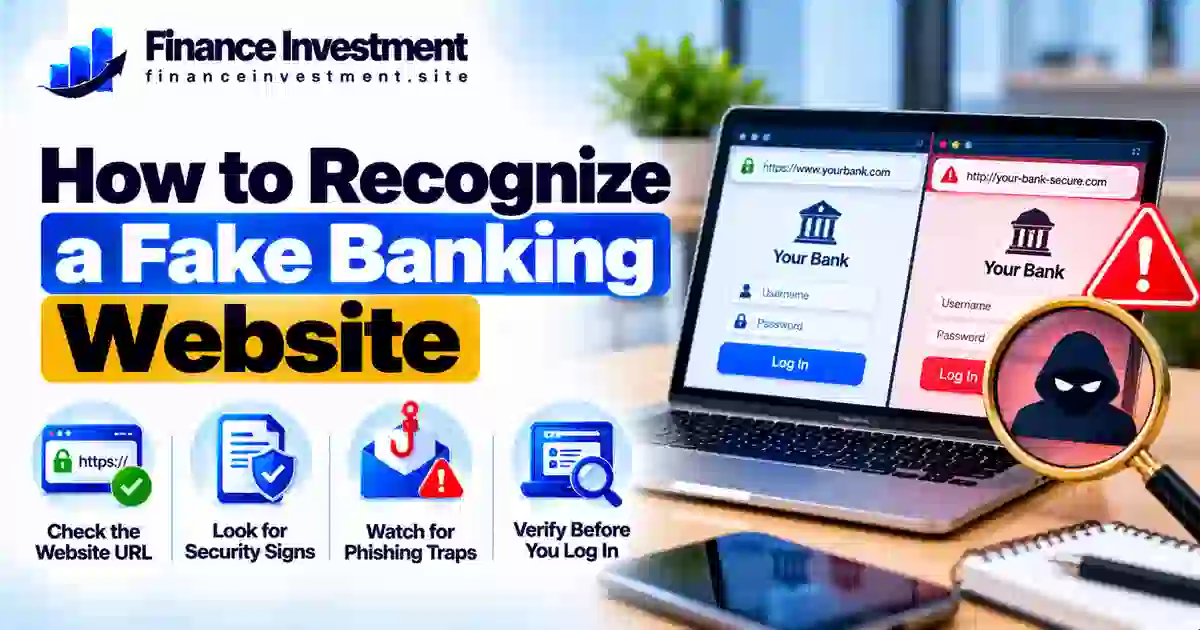
Knowing how to recognize a fake banking website can help you protect your money, account details, and identity. Scammers build websites that imitate real banks and use them to steal login credentials, passwords, and security codes. Criminals may then use that information to attempt unauthorized access or commit fraud.
A fake site can display a familiar logo and look professional, so do not judge it by appearance alone. Check the domain carefully, avoid login links in unexpected emails or text messages, and use your bank’s official app or a website address you have independently verified. Remember, a padlock or HTTPS connection encrypts the connection; it does not prove that the website belongs to a legitimate bank. For more practical safeguards, read our bank security and fraud prevention guide.
What You’ll Learn
- Common warning signs of a fake banking website and suspicious URL.
- How to compare a legitimate bank website with a fake login page.
- How to verify your bank’s official website safely.
- What to do if you have already shared your banking information.
Quick Answer: How Can You Spot a Fake Banking Website?
You can identify a potentially fake banking website by checking the exact domain, questioning unexpected login requests, and avoiding links in unsolicited emails or text messages. Scammers can copy bank logos and create professional-looking pages. Even an HTTPS padlock does not prove that a site belongs to a legitimate bank. If you are unsure, close the page and open your bank’s official app or enter a verified website address yourself.
Key Takeaways
- Inspect the full domain: Watch for misspellings, added words, or subtle changes to the bank’s real web address.
- Avoid unexpected links: Reach your bank through its official app or a website address you have independently verified.
- Keep login details private: Never disclose your password or one-time verification code to someone who contacts you unexpectedly.
- Respond quickly to exposure: Contact your bank using a verified phone number, secure your account, change compromised passwords, and report unauthorized transactions.
Remember: A suspicious banking page is a reason to stop and verify—not to enter your details and hope for the best.
Table of Contents
Fake Banking Websites at a Glance
Fake banking websites can look convincing, so check for warning signs before entering personal or financial information. Use these examples as reasons to verify a website, not as proof on their own.
| Warning Sign | What to Look For | Safer Action |
|---|---|---|
| Unfamiliar URL | Misspellings, extra words, or a domain that differs from the bank’s verified address | Check the address using a trusted source |
| Urgent warning | Pressure to sign in immediately to avoid account suspension | Open the bank’s official app independently |
| Unusual information request | Requests for passwords or one-time codes through unexpected messages or suspicious pages | Stop and contact the bank through a verified channel |
| Unexpected login link | A sign-in link sent in an unsolicited email or text | Avoid the link and verify the message separately |
QUICK TAKE
A suspicious URL, urgent demand, or unexpected login request deserves attention, but no single sign confirms fraud. HTTPS only indicates an encrypted connection; it does not establish that a bank website is legitimate. When in doubt, stop and verify the address before signing in.
A Beginner’s Guide to Checking a Banking Website
You do not need technical expertise to check a banking website before signing in. Follow these practical steps to reduce the risk of handing your personal or financial information to a scammer.
1. Access Your Bank Through a Trusted Route
Open your bank’s official mobile app or use a website address you have independently verified. You can also use a previously saved bookmark if you created it after confirming the address. Avoid signing in through unexpected email or text links, social media posts, and unfamiliar advertisements.
2. Inspect the Full Domain
Read the website address carefully, paying attention to misspellings, added words, and domains that differ from the bank’s verified address. Do not rely on the bank’s logo, professional design, or HTTPS padlock alone. These features do not establish that the site belongs to the real bank.
3. Verify the Financial Institution
If the institution claims to be a US bank, search for it using the FDIC BankFind Suite. Check its identity and available official details, then confirm the website address through a separate trusted source. A bank appearing in the directory does not authenticate every website using its name. If the institution is a credit union, check the appropriate official regulator or locator instead.
4. Know When to Stop
If the page requests unexpected information or anything about it seems suspicious, do not enter your credentials or verification codes. Close the page and contact your bank using a verified phone number or its official app. If you have already shared sensitive details, notify the bank promptly, change compromised passwords through a trusted route, and follow its account-security instructions.
Beginner tip: Never rely on a suspicious website to prove that it is genuine. Verify the institution and its web address independently before signing in.
How Fake Banking Websites Work
Fake banking websites imitate legitimate financial institutions to trick people into sharing sensitive information. Scammers may copy a bank’s logo, colors, and login layout, then use a misleading web address to make the page appear authentic. Their main goal is often to capture information they can use for fraud.
The Typical Scam Process
- Reach the victim: A fraudulent email, text message, advertisement, or search result directs the person to a fake website.
- Apply pressure: The message may claim that an account is locked, a suspicious payment needs attention, or immediate verification is required.
- Capture information: A fake login form collects details such as usernames, passwords, or one-time verification codes.
- Attempt unauthorized access: Criminals may use the stolen information to try to access accounts, impersonate customers, or make unauthorized transactions.
Some fraudulent pages redirect visitors to the genuine bank website after collecting their details, which can make the scam less obvious. Other scams may ask victims to download harmful software or grant access to their devices. These outcomes vary, but the purpose is to deceive users and obtain information or access they should not provide.
Safety reminder: If you entered banking details on a suspicious page, contact your bank through a verified channel immediately. Ask it to secure your account, change compromised credentials through a trusted route, and review recent transactions.
Benefits and Drawbacks of Website Security Checks
Checking a banking website before signing in can help you notice warning signs and avoid common scams. However, no single check can guarantee that a website is legitimate. Use several precautions together.
Benefits
- Helps reveal misspelled or misleading website addresses.
- Makes suspicious login requests easier to recognize.
- Encourages safer habits before sharing financial information.
Limitations
- A fake website can look almost identical to a real bank’s site.
- HTTPS encrypts a connection but does not prove the site is genuine.
- Scammers can quickly change domains and page designs.
QUICK TIP: Access your bank through its verified app or website, and enable multifactor authentication when available. These steps add protection, but they do not make suspicious login links safe. Always verify the website before entering your credentials.
Genuine vs. Fake Banking Website: Key Differences
A fake banking website may closely copy a real bank’s design, so appearance alone is not a reliable test. Compare how you reached the page, whether the domain matches the bank’s verified address, and whether the request is consistent with the bank’s normal process.
| Feature | What Builds Confidence | Warning Sign |
|---|---|---|
| Website address | The full domain matches information verified independently | Misspellings, added words, or an unexpected domain |
| How you arrived | You opened the bank’s verified app or saved bookmark | An unexpected message directs you to sign in |
| Information requested | The request fits the bank’s normal, verified process | Unusual demands for passwords, codes, or sensitive details |
| Connection security | HTTPS on the independently verified domain | A padlock is treated as the only proof of legitimacy |
How to Verify the Website
Open your bank’s official app or enter a website address you have independently confirmed. If you are unsure whether the institution is legitimate, check its details through the appropriate official regulator. Contact the bank using a verified phone number if anything seems unusual. Do not rely on contact details provided only by a suspicious page.
QUICK TAKE: No single visual clue guarantees safety. Verify the domain, use a trusted route to your bank, and investigate unusual requests before entering sensitive information.
Risks, Costs, and Expert Tips for Staying Safe
Entering information on a fake banking website can expose you to financial fraud and identity theft. The consequences depend on what you shared and whether criminals successfully use it. Even when money is recovered, resolving the incident may require time, documentation, and contact with your bank.
Potential Risks and Costs
- Unauthorized transactions: Criminals may attempt transfers or purchases using compromised account details.
- Identity theft: Personal information could be misused to attempt fraud in your name.
- Recovery expenses and time: You may need to replace cards, secure accounts, dispute transactions, and monitor your credit and statements.
Practical Expert Tips
- Use a unique, strong banking password and enable multifactor authentication when available.
- Set up transaction alerts and review account activity regularly.
- If you entered your credentials on a suspicious site, contact your bank immediately through a verified channel. Change compromised passwords using a trusted device and secure any other accounts that reused them.
- Report unauthorized transactions promptly and keep records of your bank communications.
Expert reminder: Do not assume that a reported loss will automatically be reimbursed—or that it cannot be recovered. In the US, legal protections and reporting deadlines vary by transaction type and circumstances. Ask your bank about its dispute process and act without delay.
Common Mistakes When Checking a Banking Website
A convincing fake website can fool people who are otherwise careful. Avoid relying on these shortcuts when checking a banking page.
- Trusting the logo or design: Scammers can copy a bank’s branding and login layout.
- Relying only on HTTPS: Encryption does not prove that a website belongs to a legitimate bank.
- Acting under pressure: Urgent messages can push you to click before checking the request.
- Ignoring the full URL: A small difference in the domain can reveal that a page is not the bank’s verified website.
Realistic Example: A Fake Account Alert
Imagine receiving a text message claiming that your bank account will be locked unless you verify your details immediately. The link opens a page displaying your bank’s logo and a familiar-looking login form.
Before entering anything, you inspect the web address and notice that its domain differs from the bank’s verified address. You close the page, open your bank’s official app independently, and check your account. You then report the suspicious message using a verified bank contact channel.
The lesson: Verify urgent account alerts independently. Do not use the link in a suspicious message to confirm whether the message is genuine.
If you already entered your details: Contact your bank promptly through a verified channel, explain what you shared, and follow its instructions to secure your account.
Who Should Take Extra Care With Banking Websites?
Anyone who uses online banking can encounter a fraudulent website. Extra caution is especially helpful when you are unfamiliar with online banking, handling financial tasks for someone else, or responding to an unexpected account alert.
- New online banking users: Learn how to verify your bank’s website before entering login details.
- Seniors and anyone needing extra support: Take time to check unexpected messages and ask a trusted person for help when needed.
- Families and caregivers: Help relatives identify suspicious links without requesting or sharing their passwords.
- Frequent mobile banking users: Avoid signing in through unexpected text messages, emails, or unfamiliar advertisements.
- Small-business owners: Independently verify banking portals and changes to payment instructions before transferring money.
Practical takeaway: Slow down when a message creates urgency. Verify the request through your bank’s official app, independently confirmed website, or verified phone number.
Frequently Asked Questions
1. How can I recognize a fake banking website?
Check the full web address, how you reached the page, and whether the request seems legitimate. Misspellings, unexpected login links, and unusual requests are warning signs. Verify the address independently before signing in.
2. Does HTTPS mean a banking website is safe?
No. HTTPS encrypts the connection between your browser and the website, but scammers can also use HTTPS. Check that the domain belongs to your bank before entering information.
3. How do I verify my bank’s official website?
Use your bank’s official app or a website address independently confirmed through a trusted source. The FDIC BankFind Suite can help verify a US bank’s identity, but it does not authenticate every website claiming to represent that bank.
4. Can a fake banking website look exactly like a real one?
Yes. Scammers can copy logos, colors, and login layouts. Check the domain and use a trusted route to your bank instead of relying on appearance alone.
5. What should I do if I entered my password on a fake website?
Contact your bank immediately through a verified channel. Change the compromised password using a trusted device, secure other accounts that reuse it, and review recent transactions. Tell the bank if you also shared a verification code.
6. Can scammers steal money through a fake bank login page?
They may use stolen credentials or verification codes to attempt unauthorized access or transactions. Sharing information does not mean a loss is certain, but you should contact your bank promptly if your details may be exposed.
7. Should I click a bank link in an unexpected text message?
Avoid using unexpected login links, especially when the message creates urgency. Open your bank’s official app or independently verified website to check whether action is needed.
8. How can I report a fake banking website in the US?
Notify your bank through a verified contact channel. You can also report suspected fraud to the Federal Trade Commission (FTC). If your account or money may be at risk, contact your bank without delay.
Final Verdict: Stay Alert Before You Sign In
Knowing how to recognize a fake banking website can help you make safer decisions when managing your money online. Scammers can imitate legitimate banks, so a familiar logo or professional-looking login page is not enough to establish trust.
Before signing in, verify the full web address and access your account through your bank’s official app or an independently confirmed website. If you suspect fraud or have shared sensitive information, contact your bank through a verified channel immediately and follow its instructions to secure your account.
Safe online banking comes down to careful habits and independent verification. Continue learning with our bank security and fraud prevention guide for more ways to protect your financial information.
Final takeaway: When something about a banking website seems wrong, stop before entering your details. Verify the website independently, then proceed only when you are confident you have reached the legitimate bank.