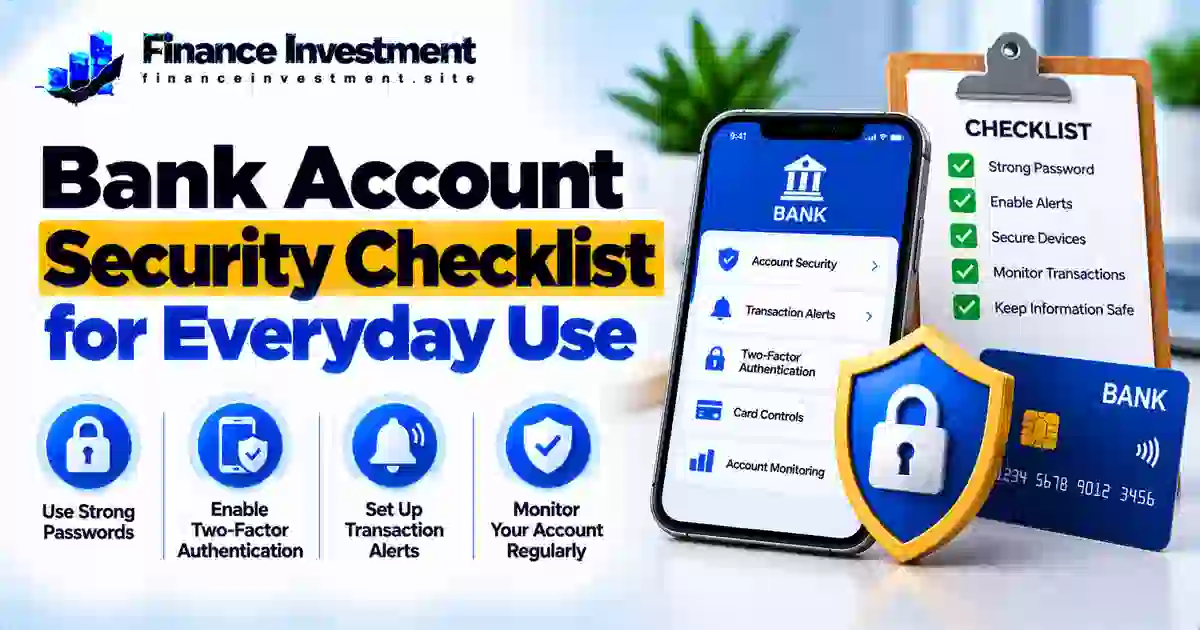
This bank account security checklist walks you through practical ways to protect your checking and savings accounts. You’ll learn what to review regularly, which security settings to enable, and how to recognize warning signs without making everyday banking harder than it needs to be.
If you want a broader look at scams, account takeovers, and fraud prevention, read our bank security and fraud prevention guide. It complements the everyday steps covered here.
What You’ll Learn
- How to review account activity and recognize unfamiliar transactions.
- Ways to create strong passwords and enable multifactor authentication.
- Which banking alerts and account controls can help protect your money.
- How to spot phishing emails, suspicious texts, and fake bank calls.
- What to do if you notice unauthorized activity or suspect account access has been compromised.
Quick Answer: How Can You Keep Your Bank Account Secure?
Create a unique banking password, enable multifactor authentication when available, and set up transaction alerts. Review account activity regularly, access your bank through its official app or website, and never share one-time passcodes with someone who contacts you unexpectedly. If you notice a suspicious transaction or login, contact your bank promptly using a verified number.
7 Key Takeaways
- Use a unique password: Never reuse your banking password on other websites.
- Add login protection: Enable multifactor authentication and choose a secure verification method offered by your bank.
- Set account alerts: Turn on notifications for transactions, transfers, and sign-ins where available.
- Review transactions: Check recent activity and report unfamiliar charges or transfers without delay.
- Check before responding: Contact your bank through its official app or a verified phone number instead of trusting unexpected links or caller ID.
- Secure your devices: Install software updates, use a screen lock, and avoid saving banking credentials on shared devices.
- Respond quickly to warning signs: Contact your bank immediately if you suspect fraud, stolen credentials, or unauthorized access.
The Bottom Line
No single security setting prevents every scam. Combining strong login protection, regular account reviews, and prompt reporting gives you a practical foundation for safer everyday banking.
Bank Account Security at a Glance
Safer banking starts with a few repeatable habits. Use this checklist to decide what to review each day, each week, and whenever your account or device settings change. Available alerts and controls depend on your bank.
| Security task | Suggested frequency | Why it matters |
|---|---|---|
| Read transaction alerts and check unusual activity | Daily or when notified | Helps you spot suspicious activity sooner |
| Review recent transactions and balances | Weekly | Makes unfamiliar charges or transfers easier to identify |
| Verify contact details, alerts, and recovery options | Monthly and after changes | Helps ensure security notices reach you |
| Install device updates and review login protection | When updates are available and after security concerns | Closes known weaknesses and helps keep access secure |
Start by enabling multifactor authentication and useful transaction alerts. Review your activity regularly, keep your contact details current, and change your password promptly if you believe it has been exposed. Report suspicious transactions to your bank without delay.
Your Everyday Bank Account Security Checklist
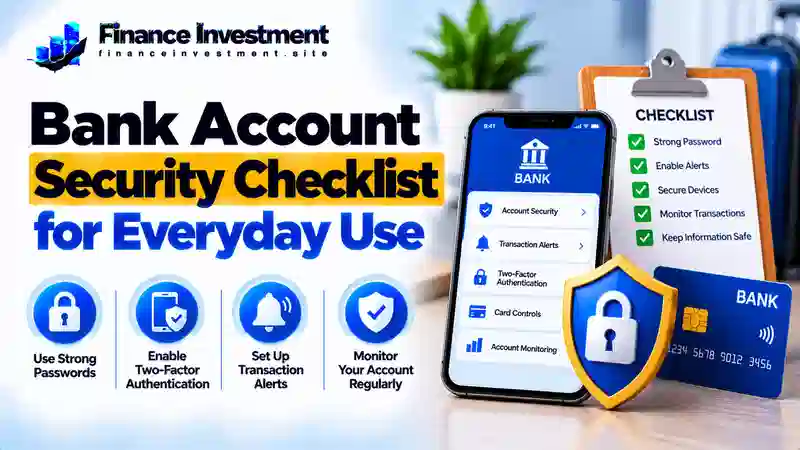
Protecting your bank account doesn’t require a complicated routine. Check for unusual activity regularly, keep your login secure, and review important settings whenever your circumstances change. Use this checklist as a practical starting point.
1. Secure Your Login and Devices
- Choose a long, unique banking password. A reputable password manager can help you create and store it securely.
- Enable multifactor authentication when available. Never reveal a verification code to an unexpected caller or message sender.
- Use a screen lock, keep your banking app and device software updated, and avoid saving banking credentials on shared devices.
2. Watch Your Account Activity
- Enable useful alerts for card purchases, transfers, sign-ins, or low balances if your bank supports them.
- Review recent transactions regularly. Check unfamiliar charges or transfers, even when the amount seems small.
- Keep your phone number and email address current so you can receive account notifications and recovery instructions.
3. Access Banking Carefully
- Use your bank’s official app or enter its known website address yourself instead of following unexpected links.
- Prefer a trusted, secure connection and avoid conducting sensitive transactions on public or shared devices whenever possible.
- If you spot suspicious activity, contact your bank promptly through the number on your card or its official website. Ask whether your card, online access, or credentials should be blocked or replaced.
Simple rule: Protect your login, review activity, and respond quickly to warning signs. You don’t need to check every setting daily; consistency matters more than complexity.
How Bank Account Security Works
Bank account security relies on several layers working together. When you sign in, your bank checks your login details and may ask for additional verification. It may also use automated systems to identify unusual sign-ins or transactions. These checks can help detect suspicious activity, but they cannot guarantee that every scam or unauthorized transaction will be stopped.
Four Important Layers of Protection
- Authentication: A password, passkey, or another approved login method helps verify that you are the person accessing the account.
- Multifactor authentication (MFA): An additional verification step makes it harder for someone to sign in using only a stolen password.
- Fraud monitoring: Your bank may flag unusual purchases, transfers, or sign-ins for review. Some transactions may still go undetected.
- Alerts and account controls: Notifications, card locks, and transfer limits can help you monitor activity or limit certain risks when these features are available.
Why your habits matter: Use unique login credentials, protect verification codes, review transactions, and respond quickly to unfamiliar activity. These actions complement your bank’s security systems.
The key idea is simple: your bank supplies security tools, but using them wisely and recognizing suspicious activity are also essential parts of protecting your money.
Benefits and Drawbacks of Bank Security Measures
Security tools can make everyday banking safer, but they work best when they fit your needs and you know their limitations. Consider both sides before deciding which settings to use.
Benefits
- Unique passwords and multifactor authentication add barriers against unauthorized sign-ins.
- Transaction alerts can help you notice unfamiliar purchases or transfers sooner.
- Regular account reviews make unexpected charges and account changes easier to spot.
Drawbacks
- Additional verification may take longer, especially when you cannot access your verification method.
- Too many alerts can become distracting if you enable notifications you rarely need.
- Lost devices or outdated recovery details may make it harder to regain account access.
Practical tip: Enable multifactor authentication, select useful transaction alerts, and keep your recovery information current. These safeguards reduce some risks, but they cannot stop every scam or replace regular account reviews.
Compare Bank Account Security Tools
Each security tool addresses a different risk. Begin with secure account access, add monitoring, and then use extra controls where your bank provides them.
| Security tool | Main purpose | Limitation | Suggested priority |
|---|---|---|---|
| Unique password or supported passkey | Helps protect account sign-in | Protection depends on the login method and how it is used | Essential |
| Multifactor authentication (MFA) | Adds another identity check | Recovery can be difficult if a verification device is lost | High |
| Transaction alerts | Notifies you about selected account activity | Some alerts may be delayed or unavailable | High |
| Card lock and spending controls | May restrict eligible card transactions | Does not necessarily block transfers or every type of transaction | Useful when available |
What should you enable first? Use a unique password or a supported passkey, turn on multifactor authentication, and configure useful transaction alerts. Learn which transactions your bank’s card controls actually restrict, and keep its official contact details handy.
Costs, Risks, and Practical Bank Security Tips
You can improve account security without automatically buying extra software. Many banks offer features such as transaction alerts and multifactor authentication at no additional charge, although availability and account terms vary. Before paying for a third-party tool, check what protection it provides and whether your existing bank features already meet your needs.
Risks Worth Watching
- Phishing scams: Fake bank emails, texts, and calls may create urgency to trick you into revealing credentials or verification codes.
- Reused passwords: If another website exposes a password you also use for banking, someone may try it against your bank account.
- Slow reporting: Delaying a report can limit your options and may affect your rights or liability under applicable rules. Contact your bank as soon as you notice suspicious activity.
Practical Ways to Reduce Risk
- Enable available login protection and transaction alerts through your bank’s official app or website.
- Choose alerts that help you notice important activity without creating unnecessary notifications.
- Verify unexpected requests independently using a trusted number or the bank’s official app—not the contact details in the suspicious message.
- Keep your phone, computer, and banking app updated, and change exposed credentials promptly.
Money-saving tip: Start with your bank’s built-in security features. Consider a paid service only after checking its cost, privacy practices, and specific benefits.
Common Bank Account Security Mistakes to Avoid
Small oversights can leave your account more exposed. Avoid these common mistakes:
- Reusing your banking password on other websites.
- Ignoring unfamiliar transactions or dismissing small charges without checking them.
- Following unexpected bank links or trusting caller ID without independently verifying the request.
- Delaying contact with your bank after noticing suspicious activity.
Illustrative Example: Responding to an Unfamiliar Charge
Imagine Alex receives a notification about a debit-card purchase they do not recognize. Rather than clicking a link in the notification, Alex opens the bank’s official app and checks the transaction. Still unsure, Alex contacts the bank using a verified phone number. The bank can review the report and explain the available next steps, which may include locking the card or disputing the charge.
The lesson: An unfamiliar transaction is not automatically fraud, but it deserves prompt attention. Verify the activity and report it quickly if you did not authorize it.
Who Should Use Which Bank Security Safeguards?
Everyone benefits from secure login methods and regular account reviews. The best additional safeguards depend on how you use your account, who can access it, and which features your bank provides.
- Banking beginners: Start with a unique password, multifactor authentication, and alerts for important transactions.
- Families with joint accounts: Review who has account access, keep contact details current, and agree on how to verify unusual payment requests.
- Retirees and other scam targets: Verify urgent calls or messages independently, and never share verification codes with unexpected callers.
- Frequent online shoppers: Monitor debit-card activity and consider available card locks or spending controls.
- People managing multiple accounts: Use a reputable password manager, avoid reusing passwords, and review each account’s activity separately.
Remember: You do not need every available security feature. Begin with strong login protection, useful alerts, and a clear plan for reporting suspicious activity.
Frequently Asked Questions About Bank Account Security
1. How can I protect my bank account every day?
Use a unique password, enable multifactor authentication, review transactions regularly, and turn on useful account alerts. Avoid unexpected banking links and report suspicious activity promptly.
2. How often should I check my bank account?
Review alerts as they arrive and check recent transactions regularly, such as daily or weekly. Contact your bank promptly if you notice unfamiliar activity.
3. Are banking apps safe to use?
Official banking apps generally include security protections, but no app eliminates every risk. Download your bank’s genuine app, keep it updated, and protect your device with a screen lock.
4. Should I enable transaction alerts?
Yes. Available alerts can help you notice selected transactions or sign-ins sooner. Choose notifications that suit your account, but continue checking activity because not every suspicious transaction triggers an alert.
5. What should I do if I see an unauthorized transaction?
Contact your bank immediately through its official app or a verified phone number. Ask how to secure your account, block an affected card if needed, and dispute the transaction. Keep records of your report and any follow-up.
6. Is public Wi-Fi safe for online banking?
A trusted, secure connection is preferable for sensitive banking. Avoid unfamiliar networks when possible, do not ignore browser security warnings, and access your account through your bank’s official app or website.
7. How often should I change my banking password?
Change it promptly if you suspect it has been exposed, receive a credible compromise notice, or discover unauthorized access. A long, unique password is more useful than changing a secure password on an arbitrary schedule.
8. Can a bank refund money lost to fraud?
Possibly. Refunds and liability depend on the transaction type, the circumstances, and applicable law. Report suspected fraud promptly and ask your bank about its investigation and dispute process.
Final Verdict: Make Bank Security an Everyday Habit
Keeping your bank account safer starts with a few consistent habits. Use a unique password or supported passkey, enable multifactor authentication when available, set useful transaction alerts, and review your account activity regularly. Keep your devices updated, verify unexpected messages independently, and report unfamiliar transactions promptly.
No single setting can stop every scam. Combining secure login methods, regular account checks, and quick action when something looks wrong gives you a practical approach to everyday banking security.
For more guidance on suspicious transactions, account takeovers, and fraud prevention, read our bank security and fraud prevention guide.
Your next step: Review your latest transactions today, enable a useful security alert, and confirm that your bank’s contact details are easy to find if you need help.
Have a Money Question? Keep Exploring.
Want to make more confident financial decisions? Explore our practical banking guides or contact FinanceInvestment with your finance-related questions.
Leave a Reply