Mobile Check Deposit Limits Explained: 7 Smart Tips for 2026
 Your Check Was Rejected. What Should You Do Now?
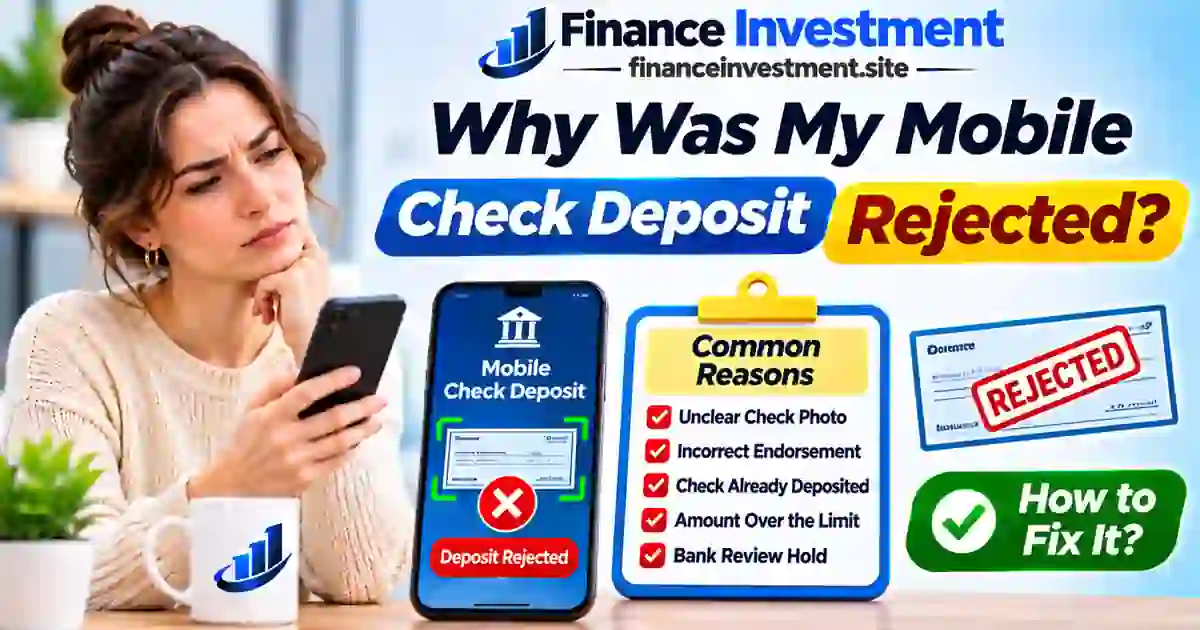
Why was my mobile check deposit rejected? It’s a frustrating question when you’re counting on that money to cover groceries, household bills or an upcoming payment.
Sometimes, the problem is a blurry photo or a missing endorsement. In other cases, your check may exceed your deposit limit or fail to meet your bank’s eligibility requirements.
Before trying again, confirm your deposit status. This guide walks you through common rejection reasons, practical fixes and safer alternatives. New to banking apps? Explore our complete digital and online banking guide.
What You’ll Learn
- Nine common reasons mobile check deposits get rejected.
- How to fix endorsement and check image errors.
- When to retry a rejected mobile deposit.
- How to avoid duplicate deposits.
- Alternative ways to deposit an eligible check.
Quick Answer: Why Was My Mobile Check Deposit Rejected?
Your mobile check deposit may be rejected because of a missing or incorrect endorsement, unreadable check images, deposit limits, duplicate submissions or an ineligible check. Review the rejection notice for instructions. If the reason is unclear, contact your bank or credit union before resubmitting.
Key Takeaways
- Follow your institution’s specific endorsement instructions.
- Capture clear, complete images of both sides.
- Check your remaining mobile deposit allowance.
- Pending does not mean rejected.
- Do not redeposit a pending or accepted check.
- Keep the original check and follow your institution’s retention instructions.
Bottom Line: Retry only after confirming that the original deposit was unsuccessful and your financial institution permits resubmission.
Mobile Check Deposit Rejection at a Glance
A rejected mobile deposit doesn’t necessarily mean your check is invalid. Start by identifying the problem in your bank’s rejection notice.
Rejections can result from check errors, deposit limits or account restrictions.
Bank and credit union customers resolving unsuccessful deposits.
Mobile deposits generally require clear front and back check images.
| Problem | What to Do |
|---|---|
| Blurry image | Retake the image when prompted. |
| Missing endorsement | Follow your institution’s endorsement instructions. |
| Limit exceeded | Check your remaining deposit allowance. |
| Ineligible check | Ask whether another deposit method is available. |
| Possible duplicate | Contact your institution before resubmitting. |
Deposit notifications and transaction history can help you track unsuccessful submissions. Learn where to find these useful mobile banking app features.
Understanding Your Mobile Check Deposit Status
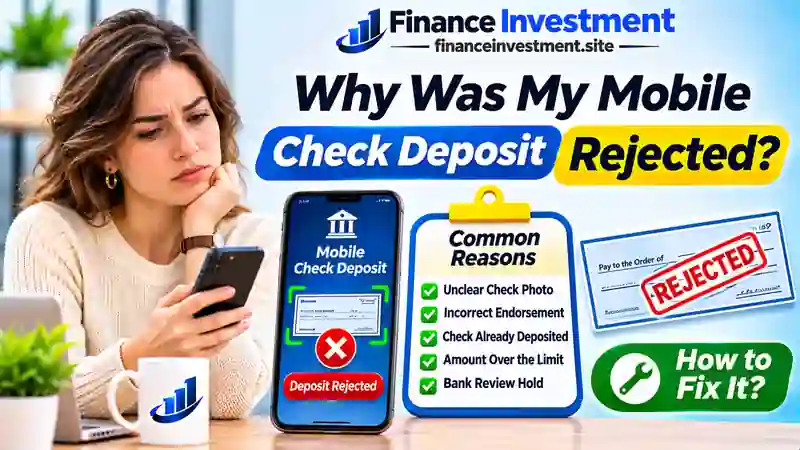
Submitting a check through your banking app doesn’t guarantee acceptance. Your financial institution may need to verify the check images, endorsement, deposit amount and account eligibility.
Before deciding what to do next, understand what your deposit status actually means.
Rejected vs. Pending vs. Returned Deposits
Rejected Deposit
Your submission was declined. Identify the reason and confirm whether resubmission is permitted.
Pending Deposit
Your submission is awaiting processing or review. Wait for an update rather than depositing the check again.
Returned Deposit
A deposited check was returned unpaid. Your institution may reverse the credit, even if you already spent the money.
How Banks and Credit Unions Review Checks
Automated screening and additional reviews help financial institutions detect duplicate submissions, incomplete check details and potentially fraudulent items.
Deposit requirements and status labels can differ between institutions. If you’re a credit union member, our guide to how credit union mobile banking works explains the features and restrictions you may encounter.
Good to Know: An accepted deposit or available balance does not guarantee that a check has been paid. Funds may still be reversed if the check is returned.
9 Reasons Your Mobile Check Deposit Was Rejected and How to Fix Them
Not every deposit error requires a replacement check. Match your bank’s rejection message with the problems below to determine your next step.
1. Missing or Incorrect Endorsement
Your signature alone may not satisfy your bank’s mobile deposit requirements. Additional endorsement wording may be necessary.
How to fix it: Follow your institution’s exact instructions. Ask for guidance before changing an existing endorsement.
2. Blurry or Incomplete Check Images
Poor lighting, glare or cropped edges can make check information unreadable.
How to fix it: Photograph the check against a contrasting background, keeping every corner visible. Follow the camera prompts in your app. The Wells Fargo mobile deposit guide offers additional photography and endorsement tips.
3. Your Mobile Deposit Limit Was Exceeded
The check may exceed your per-check, daily, monthly or rolling deposit allowance.
How to fix it: Check all applicable limits. Ask about a higher allowance or an alternative deposit method.
4. The Check Was Already Submitted
A previous submission can trigger duplicate deposit detection, even if you haven’t received the money yet.
How to fix it: Review your deposit history and contact your institution before attempting another submission.
5. You Entered the Wrong Deposit Amount
Entering $850 for an $805 check may cause a processing error or require additional review.
How to fix it: Verify the check amount and correct your app entry if permitted. Never alter the check itself.
6. Your Check Type Isn’t Eligible
Some institutions exclude foreign checks, money orders and other payment instruments from mobile deposits.
How to fix it: Confirm which items your institution accepts and whether another deposit method is available. Review Navy Federal’s mobile deposit requirements for a credit union example.
7. The Check Is Too Old or Postdated
Checks with older or future dates may not meet your institution’s deposit requirements.
How to fix it: Ask whether the check is acceptable. Request a replacement from the issuer if necessary.
8. Payee or Signature Problems
Incorrect payee information, missing signatures or multiple-payee restrictions can prevent acceptance.
How to fix it: Confirm the required signatures with your institution. Ask the issuer to correct any errors.
9. App Problems or Account Restrictions
Connection interruptions, outdated software or account eligibility issues can prevent a successful submission.
How to fix it: Verify your deposit status, update the official app and check account eligibility. Our guide to setting up mobile banking can help resolve basic access problems.
Important: A frozen app or missing confirmation does not prove your deposit failed. Confirm the original submission was unsuccessful and obtain permission to retry before depositing the same check again.
9 Reasons Your Mobile Check Deposit Was Rejected and How to Fix Them
Not every deposit error requires a replacement check. Match your bank’s rejection message with the problems below to determine your next step.
1. Missing or Incorrect Endorsement
Your signature alone may not satisfy your bank’s mobile deposit requirements. Additional endorsement wording may be necessary.
How to fix it: Follow your institution’s exact instructions. Ask for guidance before changing an existing endorsement.
2. Blurry or Incomplete Check Images
Poor lighting, glare or cropped edges can make check information unreadable.
How to fix it: Photograph the check against a contrasting background, keeping every corner visible. Follow the camera prompts in your app. The Wells Fargo mobile deposit guide offers additional photography and endorsement tips.
3. Your Mobile Deposit Limit Was Exceeded
The check may exceed your per-check, daily, monthly or rolling deposit allowance.
How to fix it: Check all applicable limits. Ask about a higher allowance or an alternative deposit method.
4. The Check Was Already Submitted
A previous submission can trigger duplicate deposit detection, even if you haven’t received the money yet.
How to fix it: Review your deposit history and contact your institution before attempting another submission.
5. You Entered the Wrong Deposit Amount
Entering $850 for an $805 check may cause a processing error or require additional review.
How to fix it: Verify the check amount and correct your app entry if permitted. Never alter the check itself.
6. Your Check Type Isn’t Eligible
Some institutions exclude foreign checks, money orders and other payment instruments from mobile deposits.
How to fix it: Confirm which items your institution accepts and whether another deposit method is available. Review Navy Federal’s mobile deposit requirements for a credit union example.
7. The Check Is Too Old or Postdated
Checks with older or future dates may not meet your institution’s deposit requirements.
How to fix it: Ask whether the check is acceptable. Request a replacement from the issuer if necessary.
8. Payee or Signature Problems
Incorrect payee information, missing signatures or multiple-payee restrictions can prevent acceptance.
How to fix it: Confirm the required signatures with your institution. Ask the issuer to correct any errors.
9. App Problems or Account Restrictions
Connection interruptions, outdated software or account eligibility issues can prevent a successful submission.
How to fix it: Verify your deposit status, update the official app and check account eligibility. Our guide to setting up mobile banking can help resolve basic access problems.
Important: A frozen app or missing confirmation does not prove your deposit failed. Confirm the original submission was unsuccessful and obtain permission to retry before depositing the same check again.
Benefits and Drawbacks of Mobile Check Deposits
Mobile deposits work well for everyday checks, but they aren’t ideal for every situation. Consider these advantages and limitations before relying entirely on your banking app.
Benefits
- Deposit eligible checks without visiting a branch.
- Submit checks outside regular branch hours, subject to service availability.
- Track submissions through available digital records.
- Receive prompts for certain check image errors.
- Reduce travel time and transportation expenses.
Drawbacks
- Rejected deposits can delay access to money.
- Certain check types may not qualify.
- Technical interruptions can disrupt submissions.
- Deposit limits may restrict larger payments.
- Complicated check issues may require customer support.
For time-sensitive payments, check processing schedules and funds availability before choosing a deposit method. Our guide to digital banking pros and cons explains other everyday banking trade-offs.
Mobile Check Deposit Rejection Reasons vs. Solutions
Not sure whether to correct a deposit error yourself or call your bank? This quick reference can help you choose the appropriate next step.
On smaller screens, scroll horizontally to view all columns.
| Rejection Reason | Recommended Solution | When to Contact Your Bank |
|---|---|---|
| Incorrect endorsement | Follow endorsement requirements. | Before changing existing wording. |
| Poor image quality | Retake images when prompted. | If image errors persist. |
| Deposit limit exceeded | Check remaining deposit limits. | For higher limits or alternatives. |
| Possible duplicate | Review previous submissions. | Before attempting another deposit. |
| Incorrect amount | Verify the amount entered. | If correction instructions are unclear. |
| Ineligible check type | Review accepted check types. | For another deposit method. |
| Old or postdated check | Review the check date. | To confirm whether it’s acceptable. |
| Payee or signature issue | Verify payee and signature details. | Before correcting or replacing the check. |
| Technical or account issue | Confirm submission status. | If the status or restriction remains unclear. |
Remember: Never alter the check amount, date or payee information yourself. Follow your financial institution’s instructions before resubmitting a rejected deposit.
Costs, Risks and Expert Tips for Rejected Mobile Deposits
A rejected mobile check deposit doesn’t necessarily cost you money. However, delayed payments, duplicate submissions and returned checks can create financial problems.
Could a Rejected Deposit Cost You Money?
Many financial institutions offer standard mobile deposits without a separate fee. A rejected submission differs from a check returned unpaid after acceptance. Any applicable charges depend on your account agreement and consumer protection laws.
Check your available balance before scheduling payments to avoid potential overdrafts or late fees.
Duplicate Deposit Risks
Submitting the same check through another banking app, ATM or branch while an earlier deposit remains unresolved may trigger account reviews, reversals or restrictions.
Watch Out for Fake Check Scams
Fraud Warning: If someone sends you a check and asks you to refund an overpayment, buy gift cards or forward money, don’t send the money. Available funds do not prove that a check is genuine.
Contact your financial institution immediately if you suspect fraud. Follow the FTC’s fake check scam prevention guide.
Does Federal Deposit Insurance Cover Check Fraud?
FDIC and NCUA insurance protect eligible deposits against insured institution failures, not fake check losses. Other consumer protections may apply depending on the circumstances. Explore our FDIC and NCUA insurance guide.
Expert Tip
Keep your rejection notice, original check and customer support reference number secure. Follow your institution’s instructions for retaining or disposing of the check. These records may help resolve disputes.
Common Mobile Check Deposit Mistakes to Avoid
How you respond to a rejected check can make a difference. Avoid these five mistakes when resolving a mobile deposit problem.
- Ignoring rejection notices: You may miss specific correction instructions.
- Retrying without confirmation: An unresolved submission could result in a duplicate deposit.
- Discarding the original check too soon: Follow your institution’s check retention policy.
- Spending anticipated funds: Don’t budget around money that isn’t available yet.
- Ignoring endorsement restrictions: Mobile-only wording may limit alternative deposit methods.
Practical Example: A Rejected $640 Check
Hypothetical scenario: Emily receives a $640 insurance refund check. Her bank rejects the mobile deposit because the back image is unreadable.
Customer support confirms the rejection and authorizes another attempt. Emily captures clearer images and successfully resubmits the check.
She adjusts her household payment schedule while waiting for the deposit to process, recognizing that available funds don’t guarantee final payment of the check.
Financial Lesson: Verify first, correct the problem and retry only when authorized. Keep enough money available to cover upcoming bills independently of an unresolved deposit.
When Should You Retry a Mobile Deposit or Choose an Alternative?
Your next step depends on the rejection reason, deposit eligibility and how soon you need the money.
Retry Mobile Deposit If:
- Your institution confirms the original submission was unsuccessful.
- You can correct the rejection reason.
- Your institution permits resubmission.
Consider Alternative Deposit Methods If:
- Your check exceeds mobile deposit limits.
- Your check requires additional verification.
- Persistent technical problems prevent submission.
For families, seniors and anyone managing urgent expenses, compare eligible branch or ATM deposits and their funds availability policies. Confirm the original deposit status and endorsement requirements before switching methods. Never redeposit a pending check.
Frequently Asked Questions About Rejected Mobile Check Deposits
Why was my mobile check deposit rejected?
Common reasons include incorrect endorsements, unreadable check images, exceeded deposit limits, duplicate submissions and ineligible checks. Review your rejection notice for specific instructions.
Can I redeposit a rejected mobile check?
Yes, if your institution confirms the original submission was unsuccessful, you can correct the problem and resubmission is permitted. Never redeposit a pending check.
Can I deposit a rejected mobile check at a branch?
Possibly. Confirm the original submission was unsuccessful and ask whether the branch accepts the check with its existing mobile deposit endorsement.
Does a rejected mobile deposit mean my check is bad?
Not necessarily. Poor image quality, endorsement errors or mobile deposit restrictions can cause rejection even when the check itself is valid.
How long does it take to fix a rejected mobile deposit?
Resolution times depend on the rejection reason and your institution’s procedures. Correctable submission errors may be resolved quickly, while verification issues may take longer.
Will my bank charge me for a rejected mobile deposit?
Not necessarily. Any applicable fees depend on your account agreement and consumer protection laws. A rejected submission differs from a check returned unpaid after acceptance.
Why was my mobile deposit rejected after being accepted?
Initial acceptance does not guarantee final payment. Further review may lead to rejection, or an unpaid check may result in a deposit reversal. Contact your institution for clarification.
What should I do with a rejected mobile deposit check?
Keep the original check secure until the issue is resolved. Follow your institution’s instructions for resubmission, alternative deposit methods, check retention and secure disposal.
Final Verdict: Handle Rejected Mobile Check Deposits With Confidence
A rejected mobile check deposit doesn’t automatically mean your check is invalid. Many submission errors are correctable, while eligibility or verification issues may require help from your bank or credit union.
Our Recommendation: Confirm the original deposit was unsuccessful before retrying or switching deposit methods. Follow your institution’s instructions and avoid relying on unresolved deposits to cover upcoming expenses.
For safer, more convenient everyday banking, explore our complete guide to digital and online banking in the USA.
Related Resources for Safer Mobile Banking
Explore these banking guides to improve your mobile banking experience, understand deposit protection and avoid common financial mistakes.
Continue Learning With FinanceInvestment
Official Banking and Consumer Protection Resources
- Wells Fargo — Mobile Check Deposit Instructions
- Navy Federal — Mobile Check Deposit Guidelines
- FTC — How to Spot, Avoid and Report Fake Check Scams
Note: Mobile deposit requirements vary by institution. Always follow your own bank or credit union’s policies.
Financial Disclaimer: This article is for educational purposes only and does not constitute personalized financial advice. Always confirm deposit requirements, limits and fees with your bank or credit union.