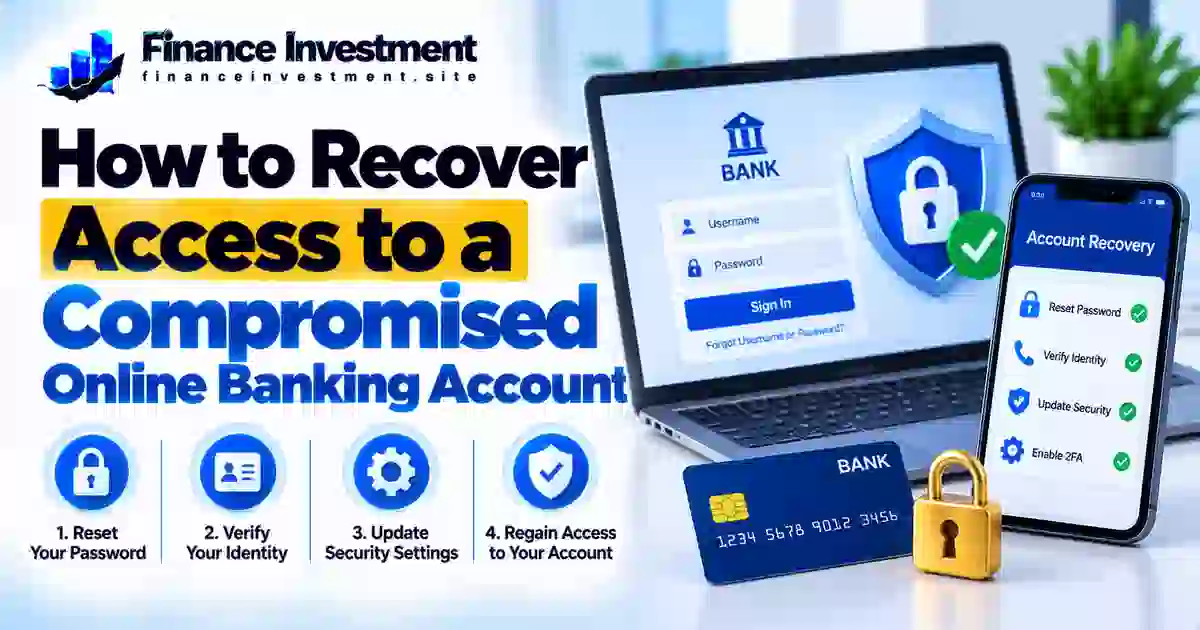
How to Recover Access to a Compromised Online Banking Account
How to Recover Access to a Compromised Online Banking Account
Knowing how to recover access to a compromised online banking account can help you act quickly if your password stops working, your login details change unexpectedly, or you notice activity you did not authorize. Losing access can be stressful, especially when you need to check your balance or pay bills. The right recovery steps can help you regain access while protecting your financial information.
Begin with your bank’s official website or mobile app. If you suspect someone has changed your password or taken control of your account, contact the bank using a verified phone number. Avoid unexpected recovery links in emails or text messages, and do not share one-time passcodes or passwords with anyone who contacts you. Also secure the email account and phone number linked to your banking profile.
This guide walks you through password recovery, identity verification, and the security checks to complete after you regain access. For additional protection advice, read our bank security and fraud prevention guide.
What You’ll Learn
- How to recognize signs of a compromised banking login.
- How to reset your password through official recovery channels.
- When to contact your bank for identity verification and access restoration.
- How to secure your email, devices, and sign-in methods.
- Which recovery mistakes and security risks to avoid.
Quick Answer: How Do You Recover Access to a Compromised Bank Account?
To recover access to a compromised online banking account, open your bank’s official website or mobile app and follow its account recovery instructions. If your password, phone number, or email address has been changed without permission—or the recovery process fails—contact your bank using the verified number on your card or its official website. Ask the bank to secure your profile, investigate suspected unauthorized access, and explain how to verify your identity and restore your login.
After regaining access, create a strong, unique password, review recent transactions and account details, secure your linked email account, and enable multifactor authentication if available. Report unauthorized transactions to your bank promptly; recovering login access alone does not resolve fraudulent activity.
Key Takeaways
- Start with your bank’s official recovery process.
- Contact the bank promptly if your login or recovery details have been taken over.
- Never disclose your password, PIN, or one-time verification code to someone who contacts you unexpectedly.
- Secure the email account and phone number linked to your bank profile.
- Review transactions and report suspicious payments separately.
- Use a unique password and enable multifactor authentication after recovery.
Online Banking Account Recovery: At a Glance
The right way to recover a compromised online banking account depends on the problem. A forgotten password may only require a secure reset, while an account takeover may need immediate help from your bank. Use this table to identify the appropriate next step. Your bank’s exact process and recovery timeline may vary.
| Situation | Recommended Action | Important Note |
|---|---|---|
| Forgotten password | Use the password-reset option on the official bank website or app. | Complete the bank’s identity checks. |
| Login locked after failed attempts | Follow the bank’s unlock instructions or contact verified support. | Avoid repeated password attempts. |
| Suspected account takeover | Contact the bank promptly using a verified channel. | Report unauthorized transactions separately. |
| Linked email or phone compromised | Secure the affected contact method and notify the bank. | Recovery messages or verification codes may be exposed. |
Use your bank’s official recovery process, and contact verified support promptly if you suspect someone else has accessed your account. Secure your linked email and phone, then review your transactions and report suspicious activity. Never share your password, PIN, or one-time verification code with an unexpected caller or message sender.
A Beginner’s Guide to Recovering Online Banking Access
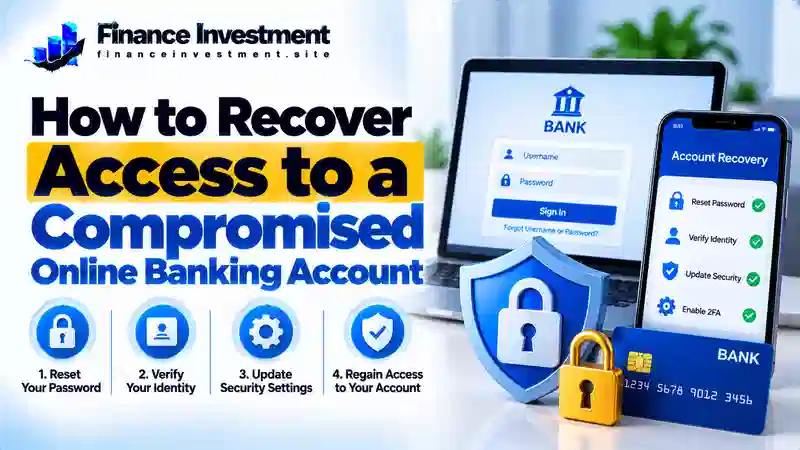
A compromised online banking account is one that someone may have accessed without your permission. Warning signs include unexpected password changes, unfamiliar login alerts, altered recovery details, or transactions you do not recognize. However, a forgotten password or temporary security lockout can also prevent access. Look at the available evidence rather than assuming every login problem means your account has been hacked.
Step 1: Check What Went Wrong
Read the error message and review recent bank notifications. Avoid links in unexpected texts or emails. Open your bank’s official app or enter its verified website address yourself.
Step 2: Use a Verified Recovery Channel
If you still control your account, follow the bank’s password-reset instructions. If your phone number or email has changed without permission, verification codes fail, or you suspect an account takeover, contact the bank using the verified number on your card or official website. Never share your password, PIN, or one-time code with an unexpected caller.
Step 3: Protect the Account After Recovery
Set a strong, unique password, review recent transactions and account details, secure your linked email account, and enable multifactor authentication if available. Sign out unfamiliar sessions if your bank provides that option. Report unauthorized transactions promptly; restoring login access does not automatically resolve fraud claims.
How Online Banking Account Recovery Works
Online banking recovery is the process of restoring your ability to sign in after a forgotten password, security lockout, or suspected account compromise. The steps vary by bank and depend on whether you can still access your registered phone number, email address, or other approved verification method.
The Typical Recovery Process
- Open an official channel: Use your bank’s verified website, mobile app, or published support number.
- Verify your identity: Complete the bank’s approved checks. Depending on the situation, these may include a verification code or additional identity documentation.
- Restore your login: Follow the bank’s instructions to reset your password, unlock access, or recover your username.
- Secure the account: Review recent activity, update compromised credentials, and report any unauthorized transactions.
If someone has changed your recovery details or you cannot complete verification, contact the bank using a verified phone number. Explain that you suspect unauthorized access and ask what additional checks are needed. Never share your password, PIN, or one-time verification code with an unexpected caller, and do not pay someone who promises guaranteed recovery.
After signing in, check your profile details and transactions. Keep any case or reference number the bank provides. Regaining login access does not automatically resolve a fraud claim, so follow the bank’s separate reporting process if money or personal information was affected.
Benefits and Drawbacks of Online Banking Recovery Options
The right recovery method depends on the problem. A routine password reset may be straightforward, while suspected account takeover can require extra identity checks and direct assistance from your bank.
Benefits
- Self-service recovery is convenient for many routine login problems.
- Identity checks help the bank confirm that the requester is authorized.
- Bank support can guide customers whose recovery details have changed or been compromised.
Drawbacks
- Identity verification may delay access restoration.
- Losing access to your registered phone or email can complicate recovery.
- Suspected fraud may require additional checks and a separate investigation.
Expert tip: Use your bank’s official self-service process for a routine password issue. If you suspect someone has taken over your account, contact the bank through a verified channel and report suspicious transactions promptly. A password reset alone may not address unauthorized access.
Password Reset vs. Account Unlock vs. Bank-Assisted Recovery
These recovery options address different login problems. A password reset replaces your existing password, an account unlock restores access after a security lockout, and bank-assisted recovery helps when standard steps fail or your account may have been compromised.
| Recovery Option | Best For | Recommended Action |
|---|---|---|
| Password reset | Forgotten or exposed password | Use the bank’s official reset process and create a unique password. |
| Account unlock | Login blocked after failed attempts or a security check | Follow official unlock instructions or contact verified support. |
| Bank-assisted recovery | Suspected account takeover or inaccessible recovery details | Contact the bank through a verified channel and complete its identity checks. |
Which Recovery Option Should You Choose?
If you simply forgot your password, begin with the official reset process. If the bank has locked your login, follow its unlock instructions rather than repeatedly guessing passwords. These two options are not always interchangeable, and your bank determines the required steps.
If your recovery details changed unexpectedly, verification codes no longer reach you, or you notice suspicious transactions, contact your bank promptly. Explain that you suspect unauthorized access and ask for help restoring your login and reviewing the activity. A password reset alone may not resolve an account takeover or a separate fraud claim.
Costs, Risks, and Expert Tips for Online Banking Recovery
Start with your bank’s official recovery process rather than paying an outside service to regain access. Routine password resets may be free, but fees for related services, such as replacement documents, can vary by institution. Confirm any charge directly with your bank before paying.
Risks to Watch For
- Recovery scams: Someone may demand payment or promise to bypass your bank’s security checks.
- Phishing messages: Fake emails, texts, or websites may steal your login credentials.
- Compromised recovery channels: If your email or phone is no longer secure, an attacker may intercept verification messages.
Expert Tips
- Open the bank’s official app or website yourself, or call a verified number.
- Use a strong, unique password and enable multifactor authentication if available.
- Secure your linked email account and review unfamiliar sign-in sessions.
- Keep your bank’s case number and report unauthorized transactions promptly.
Remember: No legitimate recovery service should need your banking password or one-time verification code to bypass security. Let your bank verify your identity and guide you through its approved recovery process.
Common Mistakes When Recovering Online Banking Access
A rushed recovery attempt can expose your information to further risk. Avoid these common mistakes:
- Clicking unexpected password-reset links instead of opening the bank’s official app or website.
- Repeatedly guessing passwords after a security lockout.
- Sharing passwords, PINs, or one-time verification codes with unexpected callers or message senders.
- Assuming a password reset automatically removes an attacker’s access.
- Ignoring suspicious transactions or a compromised email account after regaining access.
Illustrative Example: Recovering a Compromised Bank Login
Imagine Alex receives an unfamiliar banking login alert and then discovers that the password no longer works. Rather than clicking a recovery link in a text message, Alex opens the bank’s official app and calls support using a verified number.
The bank explains the identity-verification process and helps Alex restore access. Alex then creates a unique password, secures the linked email account, reviews recent transactions, and reports an unfamiliar payment to the bank’s fraud team. Alex also follows the bank’s guidance to secure any affected login sessions.
Key lesson: Use trusted recovery channels, secure connected accounts, and report suspicious transactions promptly. Recovering login access does not automatically resolve fraud claims. This example is illustrative; actual recovery procedures depend on the bank and the circumstances.
Who Should Take Extra Precautions When Recovering Bank Access?
Anyone can experience online banking fraud, but certain situations call for extra care during account recovery.
- Older adults and less-experienced users: Verify bank contact details independently and be cautious of callers who request passwords, PINs, or one-time codes.
- People with a compromised email or phone: Secure the affected account or contact method and tell the bank if recovery messages may no longer be private.
- People affected by phishing or identity theft: Contact the bank, review account activity, and report transactions they did not authorize.
- People using shared or public devices: Prefer a trusted, updated device for recovery. Sign out after use and never save banking credentials on a shared computer.
Important: If you suspect someone currently controls your banking login, contact the bank promptly through a verified channel. Report suspicious transactions without waiting to finish every recovery step yourself.
Frequently Asked Questions About Online Banking Account Recovery
1. How do I recover access to a compromised online banking account?
Use your bank’s official recovery process. If your login or recovery details have changed without permission, contact the bank through a verified phone number.
2. Can I recover my bank account online?
Often, yes. Many banks offer online password resets, but suspected account takeovers may require additional identity checks or direct support.
3. What if a hacker changed my password?
Contact your bank promptly using a verified channel. Explain that your login may be compromised and follow its instructions to verify your identity and restore access.
4. How long does account recovery take?
Timing varies by bank and situation. A routine reset may be quick, while identity verification or suspected fraud can take longer.
5. Will I have to pay to recover access?
Routine password recovery is often free, but policies vary. Confirm any proposed fee directly with your bank and avoid unsolicited recovery services.
6. What if I cannot access my registered phone or email?
Contact the bank through a verified number and ask about alternative identity-verification methods. Secure the affected phone or email account as well.
7. What should I do after regaining access?
Create a unique password, enable multifactor authentication if available, review account details and transactions, and secure your linked email. Report unauthorized payments promptly.
8. Can a bank help if money has been stolen?
Yes. Contact the bank immediately to report the unauthorized transaction and ask about its fraud-claim process. Recovery of login access does not guarantee reimbursement.
Final Verdict: Recover Your Banking Access Safely
Recovering access to a compromised online banking account requires a calm, security-first approach. Use your bank’s official recovery process for routine login problems. If you suspect an account takeover or notice changed recovery details, contact the bank through a verified channel rather than relying on a password reset alone.
Once access is restored, secure your login and linked email, review recent transactions, and report unauthorized payments promptly. Never share your password, PIN, or one-time verification codes with unexpected callers or message senders.
The key is to restore access and address the security problem behind it. For more practical steps to protect your finances, explore our bank security and fraud prevention guide.
Have a Money Question? Keep Exploring.
Have a question about banking security or protecting your finances? Contact FinanceInvestment or explore the guides below for practical information to help you make informed financial decisions.
Leave a Reply