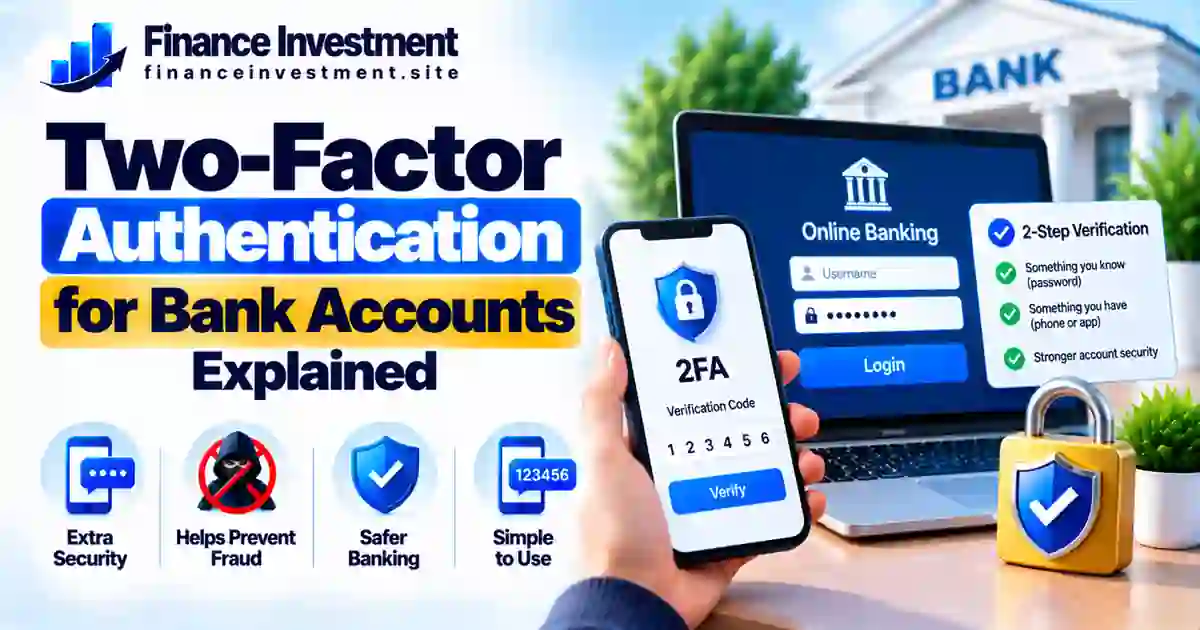
Why Two-Factor Authentication Matters for Your Bank Account
Two-factor authentication for bank accounts adds a second identity check when you sign in. Along with your password, your bank may ask for a one-time code, an approval in its mobile app, or another verification method. The exact options depend on your bank.
This extra check can help when a password has been stolen through a data breach, a fake banking email, or a reused login. However, it is not a guarantee against fraud. Scammers may still try to trick you into approving a login or handing over a verification code.
You do not need to be a cybersecurity expert to improve your account security. Start by checking your bank’s sign-in settings and choosing the strongest practical verification method it supports. For more ways to protect your finances, explore our bank security and fraud prevention guide.
What You’ll Learn
- What two-factor authentication means and how it works with online banking.
- How SMS codes, authenticator apps, bank app prompts, and security keys differ.
- Which options can offer stronger protection against common account attacks.
- How to enable verification and prepare for a lost or replaced phone.
- How to spot suspicious requests for banking codes or login approvals.
Should You Enable Two-Factor Authentication for Your Bank Account?
Yes. If your bank offers two-factor authentication (2FA), enabling it is usually a sensible security step. After you enter your password, you must complete another identity check, such as entering a code or approving a sign-in. This extra step can help stop someone who has your password from getting into your account, although it cannot block every attack.
Key Takeaways
- Enable 2FA for online banking whenever your bank provides it.
- Use a strong, unique password as your first line of defense.
- Check whether your bank supports an authenticator app, passkey, or security key.
- SMS codes are better than password-only access in many situations, but phone-number takeover can put them at risk.
- Never share a verification code or approve a sign-in you did not initiate.
- Review account recovery options before losing access to your phone.
Turn on 2FA, protect your password, and treat unexpected login requests with caution. The strongest practical setup is one you can use consistently and recover safely if your device is lost.
Two-Factor Authentication for Bank Accounts at a Glance
Two-factor authentication adds another identity check to your bank login. The options available, setup process, and recovery rules depend on your financial institution.
Compare Common Verification Methods
| Method | Main benefit | Important limitation |
|---|---|---|
| SMS code | Familiar and widely used | May be exposed through SIM-swap or phone-number takeover |
| Authenticator app | Generates codes on your device | Requires a safe recovery plan if the device is lost |
| Passkey | Can provide phishing-resistant sign-in | Availability and recovery depend on bank support |
| Physical security key | Can strongly protect supported sign-ins | Must be supported by the bank and kept secure |
Enable the strongest practical option your bank supports. Keep recovery details current, and never approve a login request you did not initiate.
A Beginner’s Guide to Two-Factor Authentication for Bank Accounts
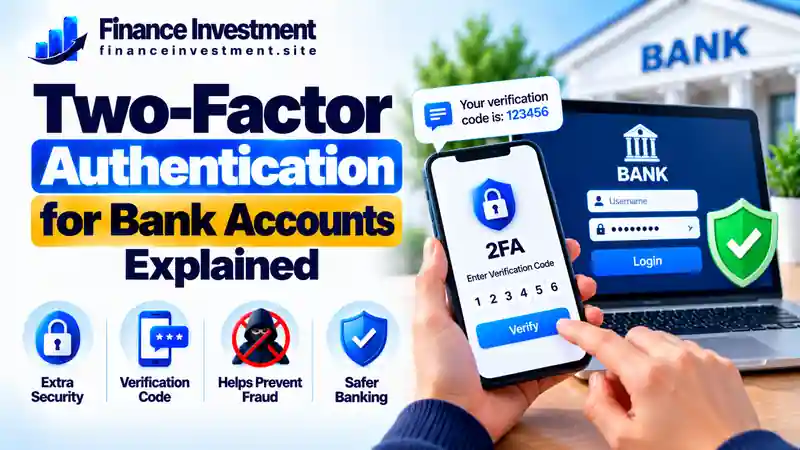
Think of your bank password as the key to your front door. Two-factor authentication (2FA) adds another type of identity check before access is granted. If someone steals your password, that extra check may stop them from signing in. The protection depends on the method your bank supports and how safely you use it.
What Counts as a Second Factor?
Authentication factors generally fall into three groups: something you know, something you have, or something you are. A password is something you know. A registered device, authenticator-generated code, or physical security key may provide something you have. A fingerprint or face scan can provide a biometric factor when supported by the bank’s sign-in system.
Two steps do not always mean two different factors. For example, a password followed by another knowledge-based question may not provide the same protection as combining different factor types. Also, a passkey can combine possession of a device with a local PIN or biometric check; it is not necessarily a separate code sent after a password.
How to Enable It Safely
- Open your bank’s official app or website. Use the app you already trust or enter the bank’s known web address yourself. Avoid sign-in links in unexpected texts or emails.
- Find the security settings. Look for options such as two-step verification, multifactor authentication, passkeys, or sign-in approvals.
- Compare the available methods. If offered, consider an authenticator app, passkey, or security key. SMS verification can still add protection when stronger options are unavailable.
- Complete the bank’s setup process. Follow its instructions and confirm that the new method works. Store recovery codes securely if the bank provides them.
- Plan for a lost phone. Review account recovery steps and keep your contact information current. Do not store recovery codes in an unprotected note on the same device.
What If Your Bank Only Offers Text Messages?
Enable SMS verification if that is the bank’s available option. It is generally better than relying on a password alone, although text messages can be exposed to phone-number takeover or interception risks. Where available, add a PIN or account-protection feature through your mobile carrier. If your phone suddenly loses service or you receive an unexpected banking code, contact your carrier or bank through an official channel as appropriate. Never share the code with someone who calls or messages you unexpectedly.
How Two-Factor Authentication Works When You Sign In
Two-factor authentication adds a second type of identity check to a protected login. The exact process depends on your bank. You may be asked to verify every time you sign in, or only when the bank detects a new device, unusual activity, or another situation that requires extra verification.
Enter your login details.
Complete the extra check.
The bank evaluates the sign-in.
Why a Stolen Password May Not Be Enough
Imagine that a criminal obtains your password from a data breach. If your bank requires a separate verification step, the criminal may still be unable to finish the login without access to that factor. This is why a unique password and 2FA work better together than a password alone.
Where the Protection Can Fall Short
2FA cannot stop every attack. A scammer might create a fake bank login page, ask you to reveal a code, or pressure you to approve a sign-in you did not start. Some methods are also more resistant to phishing than others. Passkeys and properly implemented security keys can offer strong phishing resistance when supported by the bank.
Benefits and Drawbacks of Two-Factor Authentication
Two-factor authentication can make it harder for someone to access your bank account with a stolen password. It is useful protection, but the experience and level of security depend on the method your bank supports.
Benefits: Why 2FA Is Worth Considering
- Helps protect against stolen passwords: A password alone may not be enough to complete a login when another factor is required.
- Adds a useful security layer: It can reduce the chance of unauthorized access when someone obtains your login details.
- Offers different ways to verify: Depending on your bank, you may be able to use text codes, an authenticator app, a passkey, or another supported method.
- Supports everyday banking safety: It adds protection when you check balances, pay bills, or manage savings online.
Drawbacks: What to Keep in Mind
- Extra sign-in steps: Verification can take a little longer, especially when you use a new device.
- Possible access problems: Losing your phone or changing your number may complicate verification if you have not prepared a recovery option.
- Methods differ in strength: SMS verification can be vulnerable to phone-number takeover. Passkeys and properly implemented security keys can offer stronger phishing resistance when supported.
- Scams can still work: A criminal may try to trick you into sharing a code or approving a sign-in you did not initiate.
Compare Banking Verification Methods: Which Fits You Best?
Banks do not all offer the same sign-in options. Some use a password followed by a verification code, while others support app approvals or passkey sign-in. Compare the protection, convenience, and recovery needs before choosing from the options your bank actually provides.
| Method | Convenience | Security considerations | May suit |
|---|---|---|---|
| SMS verification code | Familiar and easy to use | Vulnerable to phone-number takeover and some interception attacks | Users whose bank offers no stronger practical option |
| Authenticator app | Requires an app and code entry | Avoids SMS delivery risks, but codes can still be phished | Users comfortable managing app access and recovery |
| Bank app approval | Can be quick with a notification | A user may be tricked into approving an unexpected request | Customers who use the bank’s official app |
| Passkey sign-in | Often quick with a device unlock | Designed to resist phishing when properly implemented | Users whose bank supports passkeys |
| Physical security key | Requires access to a registered hardware key | Can provide strong phishing resistance with compatible systems | Users whose bank supports hardware security keys |
How to Choose the Right Method
Start by checking your bank’s official security settings. If it supports passkeys or security keys, review how sign-in and account recovery work before switching. An authenticator app can be a useful option when available. If SMS is the only second-factor method offered, enabling it is generally preferable to relying on a password alone.
Costs, Risks, and Practical Tips for Safer Banking
For many customers, enabling two-factor authentication through a bank’s official app or website costs nothing extra. Your actual costs depend on the bank, the verification method, your mobile plan, and whether you choose to buy additional security equipment.
What Might You Pay?
- Bank verification: Many banks include login verification as part of their online banking service.
- SMS verification: Texts may be included in your mobile plan, but check your carrier’s terms if you are unsure.
- Physical security key: Buying a hardware key may involve an upfront cost, and your bank must support it for sign-in.
Risks That Deserve Your Attention
Criminals may try to bypass security by impersonating your bank, stealing session information, taking over a phone number, or persuading you to approve a login. An unexpected verification code can mean someone entered your details, but it can also result from a mistake or another cause. Do not share the code; check your account through an official channel if you are concerned.
If someone contacts you unexpectedly and asks for a banking code or tells you to approve a sign-in, do not comply. End the conversation and contact your bank using the number on your card or its official website.
Practical Security Tips
- Use a unique password and enable the strongest practical sign-in method your bank supports.
- Deny unexpected login approvals. If they keep appearing, contact your bank through a trusted channel.
- Keep your banking app, device software, and recovery details up to date.
- Enable transaction alerts where available and review account activity regularly.
Common Two-Factor Authentication Mistakes to Avoid
Enabling 2FA is a good start, but your everyday decisions still matter. Avoid these mistakes to get more from your bank’s security features.
- Sharing a verification code: Never give a banking code to someone who contacts you unexpectedly, even if they claim to work for your bank.
- Approving an unfamiliar login: Deny a request you did not initiate. If prompts keep appearing, contact your bank through an official channel.
- Reusing your banking password: A password exposed in a breach at another website could put your bank login at risk.
- Skipping account recovery: A lost phone or changed number can make signing in harder if you have not prepared an approved recovery method.
- Trusting a message by appearance alone: Scammers can copy a bank’s logo, display name, or caller ID. Verify requests independently.
A Realistic Example: An Unexpected Approval Request
Imagine Alex receives a call from someone claiming to be a bank fraud specialist. The caller says an unusual payment has appeared and tells Alex to approve a login notification to stop it. In reality, the caller may be trying to gain access to Alex’s account.
Alex did not start a login, so the safe choice is to reject the request and end the call. Alex can then open the bank’s official app or call the number printed on the bank card to check whether there is a genuine problem.
What this teaches us: A verification request is not proof that a caller is legitimate. Approve only sign-ins you initiated, and verify unexpected security claims independently.
Who Should Choose Two-Factor Authentication for Bank Accounts?
Two-factor authentication for bank accounts is a smart security step for almost anyone who uses online or mobile banking. It adds another check beyond a password, helping reduce the risk of unauthorized access if login details are stolen.
Who Benefits Most?
- Frequent online banking users: Extra verification can help protect everyday transfers, bill payments, and account settings.
- People who reuse passwords: Strong, unique passwords are essential, but an additional verification step provides another layer of protection.
- Families and older adults: Clear security habits can help protect savings and reduce the chance of unauthorized account access.
- Anyone managing significant savings: Use the strongest practical sign-in options your bank supports, such as passkeys or security keys when available.
The best option is one you can use consistently without compromising security. Check your bank’s official instructions before changing your sign-in settings.
Frequently Asked Questions About Two-Factor Authentication
1. What is two-factor authentication for bank accounts?
Two-factor authentication (2FA) uses two different types of evidence to verify your identity. For example, your bank may ask for a password and a one-time code. The available methods depend on your bank.
2. Is two-factor authentication safer than using a password alone?
Generally, yes. A second verification step can make it harder for someone to access your account with a stolen password. However, it cannot prevent every scam, phishing attempt, or unauthorized transaction.
3. Are SMS verification codes safe for online banking?
SMS codes provide an additional layer of protection, but they can be vulnerable to phishing and phone-number takeover scams. If your bank supports them, consider phishing-resistant options such as passkeys or security keys.
4. Can I use an authenticator app with my bank account?
Only if your bank supports authenticator apps. Check the bank’s official website or mobile app for available sign-in methods, and keep your recovery information secure and up to date.
5. What should I do if I receive a bank verification code I did not request?
Do not share the code or approve an unexpected sign-in request. Check your account through your bank’s official app or website. If you notice suspicious activity or remain concerned, contact the bank using a verified phone number.
6. What if I lose my phone or security device?
Follow your bank’s official account-recovery process. Contact the bank if you cannot sign in, secure any lost device when possible, and update your recovery options. Never give your password or verification code to an unexpected caller.
Final Verdict: Is Two-Factor Authentication Worth It?
For most people who use online banking, two-factor authentication for bank accounts is a worthwhile security step. It adds another check beyond your password, which can make unauthorized sign-ins harder when login details have been stolen.
Your best option depends on what your bank offers. Passkeys and physical security keys can provide strong phishing-resistant protection when properly supported. Authenticator apps and SMS codes are other options, although SMS is more vulnerable to certain attacks. Remember that no sign-in method can stop every scam, especially when someone tricks you into approving a request or sending money.
Four Steps to Take Today
- Sign in through your bank’s official app or website and review its security settings.
- Enable the strongest sign-in method your bank supports and you can use reliably.
- Use a unique password and keep your recovery information up to date.
- Never share verification codes or approve unexpected sign-in requests. Contact your bank through a verified channel if something seems wrong.
Have a Money Question? Keep Exploring.
Building safer banking habits does not have to be complicated. Review your bank’s security settings, use the strongest practical sign-in method available, and never share verification codes with unexpected callers or messages.
Leave a Reply